The detailed comparison
A closer look at the daily routine, the tools and the limits of each product.
Choose a section
Write the daily trade you meant to take
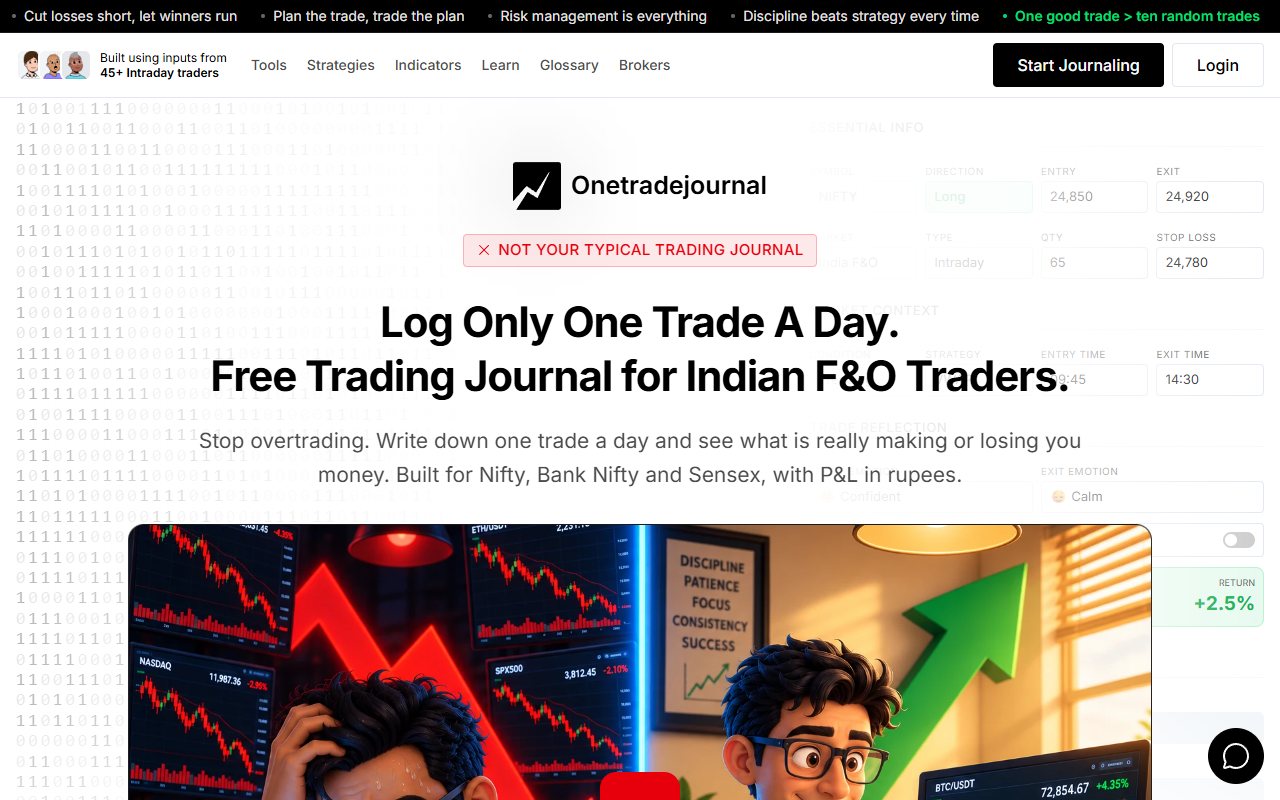
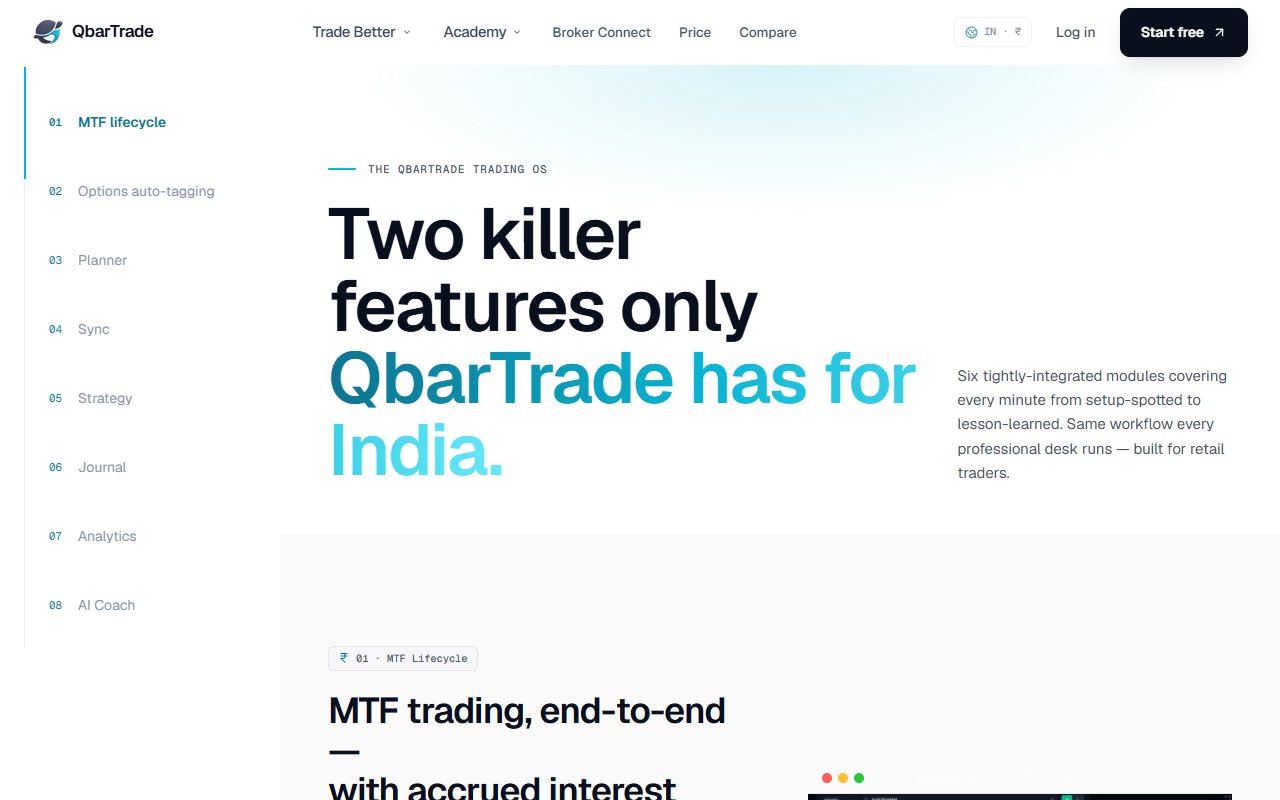
Missing a Nifty pullback can lead to a rushed entry later. If the journal only keeps a strategy name and the result, the chase may look like the planned trade. OneTradeJournal is built around writing one daily trade so that fear, frustration and any change from the plan stay visible. Write the setup you wanted, the risk and your reason for entering. After exit, save the feeling and whether you followed the rule. The aim is a daily habit that helps you notice overtrading and costly repeat mistakes. It cannot block an order or promise a profit. Free OTJ allows one trade per day per market. Paid plans permit extra entries. One focused trade is the product philosophy, not an excuse to omit a second real trade or report a selected note as your whole account. QbarTrade's features page links a planner, journal, strategies, diary and behavioural AI review. It can help keep the intended trade beside imported results. Those are useful tools, and QbarTrade also supports personal reflection. OTJ starts with manual writing, especially for Indian futures and options. Futures and options, or F&O, are contracts linked to a share, index or other asset. The form asks about emotions, stress, confidence, impulses, mistakes and plan changes. Those prompts give the daily review a clear starting point. We checked current public pages and OTJ code, without testing QbarTrade's app, imports or AI. The made-up examples below explain how to compare the routines, not a result from either account. ## Start with a trade that did not follow the plan
Imagine a Nifty trader who planned to wait for a pullback. A pullback is a short move back against the main price move. The trader misses it, then enters after price has moved further. The trade loses. Writing “pullback strategy” beside it would mix a chased entry with the planned method. Save the planned condition and the real entry reason. The trader should be able to see that the method was not followed, rather than concluding that the planned method failed. In OTJ, the intended stop, target and strategy can sit beside a deviation and impulse reason. A short note such as “I chased because I was afraid of missing the move” gives the later review something specific to inspect. QbarTrade's planner makes the intended trade part of the record. When evaluating it, check how a saved plan relates to the actual imported record and how an unplanned entry is identified. Check that the plan and the actual trade stay linked. For OTJ, check whether you write the plan honestly instead of reconstructing it after the outcome. Manual entry can encourage reflection, but it also gives a trader room to rewrite the story. Keep the original plan separate from the story you tell after the result. Choose the product that helps you keep this difference clear each week. Neat totals are not enough. You need to know whether you followed the plan. ## Notice fear and frustration before they repeat
An importer can capture what the broker recorded. It cannot reliably know why you increased size after a loss or why you stopped following the target. The trader has to provide that context. OTJ includes entry and exit emotions, stress, confidence, satisfaction, an impulse reason, a mistake and a deviation. These fields give a trader a way to describe the experience without turning every entry into a long essay. Consider a made-up Sensex options trader whose first trade loses within the plan. The trader then enters a larger position out of frustration. A profitable second trade should still retain the impulsive reason, otherwise the result may reward the wrong habit. OTJ's free behaviour analytics compare saved feelings and habits with recorded results. Its flags can highlight possible revenge trades, size spikes and overtrading. They are rough checks on saved data, not diagnoses or broker order blocks. Inspect the entries before accepting the interpretation. QbarTrade also describes behavioral AI review and diary tools on its features page. Those tools can add personal context to an imported record. OTJ makes that writing the first step of the daily habit, with known questions about the impulse and plan change. Test the difference with the trade you least want to explain. If the chosen workflow makes it easy to save that explanation and find it next week, it is doing useful work. ## Broker imports require a method, not just a logo
QbarTrade's broker-sync page describes API links, CSV, Excel and supported contract-note files. An API lets systems exchange data. A CSV is a file of rows and columns. It explicitly says availability varies by broker and method. A long broker list does not mean each one has the same live connection. Its pricing FAQ names Zerodha, Angel One, FYERS, Upstox and Dhan for live API, while Groww and several others are listed under file uploads. Check the method you would actually use each day. For Zerodha, QbarTrade's import guide documents a Console file export followed by upload, validation and confirmation. This is a route for old files, separate from a live API link. OTJ has neither file import nor broker sync. Paid voice fill can help complete a manual entry, but there is no bulk migration feature. If you need to bring in many past trades, QbarTrade's listed import routes are worth trying. OTJ cannot do that job. Suppose a made-up trader has six months of stock and options activity across two accounts. Decide whether you need a complete imported baseline or want to start a fresh reflection routine from a defined date. Those jobs need very different amounts of entry work. Check any importer using a small file first. Confirm the symbols, expiries, quantities and grouping. Keep the broker tradebook beside the result and investigate differences before trusting an attractive performance chart. ## Several options contracts can form one trade idea
QbarTrade's options journal page describes groups of contracts called baskets. Each contract is a leg. It lists stops and targets for each leg and compares planned and actual risk. This can help when one trade idea uses several contracts together. A made-up Nifty trader might enter two options contracts as one plan, then change one leg later. A basket record can help preserve the combined result. Write why you changed the leg, especially if it changed the risk or broke the plan. OTJ has Indian F&O entry fields, familiar index choices, an expiry picker and lot-size hints. Those fields are not a claimed automatic basket engine. If you need grouped strategies, test that feature. Options journals do not all work the same way. For a trader buying a single Bank Nifty option and reviewing emotional entries, the basket capability may be less important. The valuable record may be the impulse, the planned stop and the reason for moving it. For a trader managing several legs, the combined strategy result may be essential before any behavioral review makes sense. A loss on one leg and gain on another may belong to one planned trade. Choose what you need to count. Do not compare whole trade groups with single fills when reading a win rate. A fill is one completed part of an order. ## Check when AI review becomes available
QbarTrade's pricing page lists monthly AI Coach review for Free and weekly review for Pro. The distinction matters if a regular weekly report is part of your intended routine. Its features page says automatic weekly review needs 30 closed trades. The homepage also says 30 closed trades in a week. The counting period is unclear across these pages, so confirm it in the account. Do not expect a new empty journal to produce the report. AI access differs by plan. OTJ's paid tools include Ask Your Journal, Trading Mentor with chart screenshot analysis and pattern feedback. They can help you ask focused questions about the record. They may be wrong, and they cannot know about unlogged trades. A useful question is, “Which of my deviations happened after an earlier loss, and what reasons did I record?” A useful answer should be connected to entries that you can inspect. A broad guess about your personality is harder to check. Check whether a finding reflects a real repeated decision or inconsistent input. If one strategy label covers several different methods, a comparison can mix unlike trades. If the planned stop was not valid, a risk comparison may be wrong. For either tool, end an AI review with one action you can check. A made-up trader could decide to record a new trade's reason before reviewing its result. Next week, the trader can check whether that action happened. AI feedback is not a promise of profit or a trading signal. The review helps organise evidence; the trader remains responsible for what the evidence means. ## Compare published totals and the shape of the free cap
QbarTrade's pricing lists Free at ₹0 with five trade plans, ten trades and two broker accounts. The page does not say these caps reset each month. Ask how the counts work before adding a long history. Its displayed Pro amounts are ₹849 monthly and ₹4,999 billed yearly. The page's approximate monthly annual equivalent does not change the fact that the yearly amount is paid for the year. Confirm current checkout terms before committing. OTJ's India prices are ₹499 monthly, ₹1,299 quarterly and ₹3,499 yearly. OTJ's listed monthly and yearly amounts are lower. Final checkout and any differences in taxes were not tested. That is a relevant advantage if manual reflection is the tool you need. The tools differ. QbarTrade includes a larger planning and import workflow. A lower price may not help if you must spend hours copying history you need. OTJ's free allowance is one trade per day per market. That differs from QbarTrade's ten-trade cap with no documented reset period. Think about your actual activity rather than deciding that one free label is more generous in every situation. If you make several F&O trades each day, plan for paid OTJ access to keep the record complete. If you want QbarTrade Free, verify how the limits and review frequency operate in the app before entering a long history. ## Keep a review copy and a broker record
OTJ exports CSV, JSON and text reports. CSV gives rows and columns, JSON keeps structured fields, and text gives a readable report. QbarTrade's pricing page also advertises journal export. Both products list export. Check the actual files. Look beyond P&L when trying an export. Check whether notes, strategies, planned stops and behavioral explanations remain understandable. The record that helps you learn often contains information the broker never had. OTJ's estimated Indian brokerage and statutory charges help frame a review, but they are not contract notes or certified tax records. Use broker statements when matching the money figures. A journal should answer why you made a decision and what you learned from it. A broker record should anchor the quantities, prices and financial details. Keeping both prevents a manual or imported journal summary from becoming the only version of events. ## Choose the habit you will return to
Evaluate one representative week. Include an unplanned entry, a trade with several executions and, if you use them, an adjusted options basket. Start with the questions you want the Sunday review to answer. Try OTJ when you want to pause over one daily F&O trade and write whether you chased, raised risk or ignored the exit rule. Its lower listed paid prices are a useful second check, rather than the whole reason to choose it. Return to the note before treating the same impulse as a new setup. Try QbarTrade when the planner, supported imports or basket workflow are central to how you manage and review trades. Verify the precise broker method and free caps rather than relying on broad integration language. Keep the original plan and your real reason together. That daily writing helps you question a lucky win as well as learn from a planned loss. Neither product guarantees fewer losses or controls the risk you take at the broker.
Sources and limits
We checked these public product pages and OneTradeJournal’s current product on 12 October 2026. We did not test a private QbarTrade account, broker import, payment or AI answer. Check current plans and limits before paying.
- QbarTrade features · Checked 12 October 2026
- QbarTrade broker methods · Checked 12 October 2026
- QbarTrade prices and free limits · Checked 12 October 2026
- QbarTrade options groups · Checked 12 October 2026
- QbarTrade Zerodha file guide · Checked 12 October 2026
- QbarTrade homepage and AI timing · Checked 12 October 2026
A journal cannot promise trading profits. AI answers and fee estimates can be wrong. Check trades and charges against broker records. This page does not give trading, investment or tax advice. Competitor names and website pictures do not imply a partnership or endorsement. Any example is an explanation, not a private account screenshot or a real customer result.