The detailed comparison
A closer look at the daily routine, the tools and the limits of each product.
Choose a section
A long share holding and a daily habit serve different needs
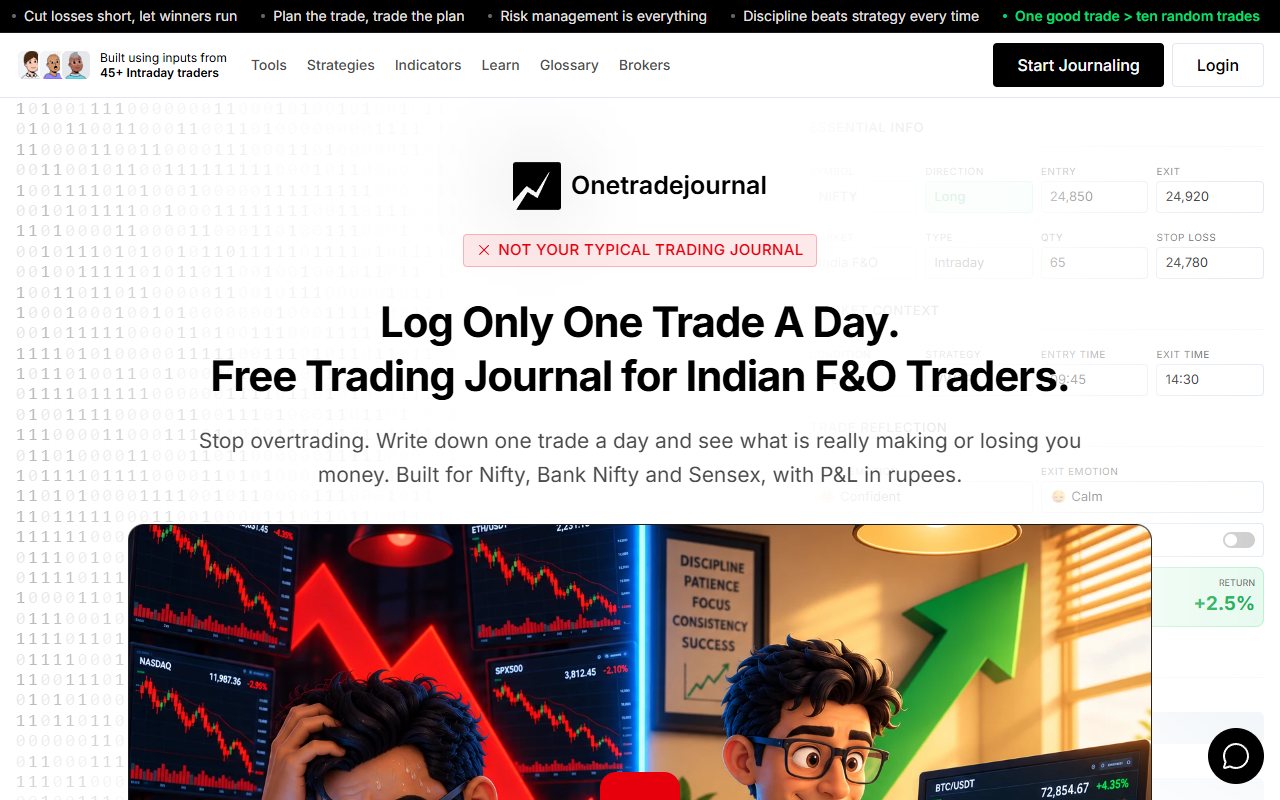
A share holding can stay open for weeks. A Nifty option may open and close before lunch. After that option closes, the urge to enter again can matter more than the neatness of the trade total. OneTradeJournal is built for the daily writing habit that helps you notice that urge. Write one planned trade, the reason you took it and your feelings at entry and exit. Then read the note when you review repeated mistakes. The aim is to make your next decision more deliberate, not to promise that one trade will avoid a loss. OTJ cannot stop an order at the broker. Free OTJ allows one trade per day per market, while paid plans permit extra entries. The one-trade idea is a focused daily routine. Keep any other real trades in your financial record; a selected entry is not the whole day's return. SyncTrade's homepage presents a beta journal for NSE and BSE shares. Its guides group several buys and sells into one holding, with room for notes. That is useful for staged share purchases. It does not establish current options import support. OTJ has manual Indian futures and options fields. Futures and options are often shortened to F&O. They are contracts linked to a share, index or other asset. If your main problem is a second options entry driven by disappointment, the daily entry gives you a place to name that reason while it is fresh. We checked public pages and OTJ code, without testing SyncTrade's app or files. We did not check every manual options screen. The comparison below keeps the documented share features and planned import limits separate. ## Write the feeling that changed the plan
SyncTrade describes organising trades by channels or strategies in its recording guide. A channel can help keep the source or style of a share trade visible alongside the position. Suppose you follow several sources for trade ideas. Do poor results come from one source? Or do they come from how you act on every source? This is a made-up example. A channel label can help identify the first pattern. It cannot explain the second without the trader's own notes. For example, a trader may get a clear entry plan but wait too long to act. A losing result should not automatically become evidence that the source was wrong. Save the delay, the change in risk and the choice you made. OTJ makes that personal account part of its daily habit. You can record a strategy, the intended stop and target, entry and exit emotions, mistakes, satisfaction and notes. You can then tell a plan that lost apart from a plan you did not follow. OTJ's free behaviour analytics compare saved emotions and habits with the results. OTJ can also flag possible size jumps, revenge trades and too many trades. They are rough checks on recorded data, not diagnoses. They do not block broker orders. A flag asks you to look again. Read the notes before accepting its meaning. SyncTrade's notes can support personal reflection too. A grouped position gives you the sums; your own explanation tells you whether each added purchase was planned. OTJ starts the routine with that written explanation. ## A position can contain several decisions
Imagine a made-up NSE share trader who buys a position in two stages and sells it in two stages. The trader wants to know the remaining quantity, average cost and result when the position closes. Each buy or sell is an execution, also called a fill. The calculation needs all four fills linked to the right position. SyncTrade's trade recording guide documents this structure. A trade can contain multiple fills, each with quantity, price, fees and date. The guide treats the share holding as one trade. The buys and sells are the fills inside it. That can help a trader who wants to follow one share holding from first purchase to final sale. It is also a reason to decide what you mean by a trade before comparing a trade limit or a win rate. Four fills do not always mean four fresh trade ideas. Now imagine an options trader who enters, exits, then enters again because the first exit felt unfair. Putting both entries in one group may make the sums neat. It may also hide the reason for the next entry. To review the choice, the trader may need a separate reason for each entry, even in the same contract. OTJ's manual process lets you explain the planned trade, its result and any change from the plan. Decide what one trade means in your review before comparing results. OTJ does not claim to keep the same grouped-fill record as SyncTrade. Before adding old trades, decide what you need to count. Is it a holding, a fill or a fresh choice? The sums can be right while the answer is wrong. Mixing those units can hide the choice you meant to review. ## The import title needs a close reading
SyncTrade's import overview uses an auto-sync title. Its live routes use files: a Zerodha share tradebook CSV or a Groww stock-history Excel file. CSV is a file of rows and columns. It marks Angel One and Upstox API connections as in development. An API connection lets two systems exchange data; it is different from uploading a file. The Zerodha guide says to download a Console tradebook and upload it. Read the preview before saving. It says the importer can add new groups, update open positions and skip duplicates. This is a file-upload guide. It does not prove a broker link keeps running in the background. The Groww guide specifies the stock order history Excel file. It also has a preview and says the importer currently supports shares. A broker name on the homepage does not prove every kind of trade will work. These routes can reduce typing for a share trader with past broker files. OTJ has no comparable import route. If you need to upload old share fills, entering them by hand in OTJ may take too much time. Start with a small file that has the kinds of trade you often make. Check a holding bought in one month and partly sold in the next. Check whether the preview links the records as expected, and compare the final quantities with the broker report. An import helps only when you understand which fills it joined. Use the preview to check the grouping before you save it. ## Options import is still a planned feature
Both SyncTrade's Zerodha instructions and Groww instructions state that F&O import support is coming soon. That is a stated limit of those two import routes. An Indian-market label alone does not prove Nifty options import works. If you mainly trade Bank Nifty options, check your exact contract first. Do not choose SyncTrade just because it has broker import pages. A planned feature cannot record your options history today. OTJ already provides Indian F&O entry fields, including familiar index choices, an expiry picker and lot-size hints. The trader enters the details manually. You can review options now by entering them. You do not need to wait for an import feature. Suppose the problem is adding quantity after a stopped Nifty trade. In OTJ, the trader can record the second trade's impulse reason, confidence, stress and deviation, then review it beside the first trade. The reason stays with the current record, without waiting for a planned import feature. A lot hint does not prove the right size for an old contract. Verify the actual quantity and expiry from the broker record. OTJ's fees are estimates. They help with review but do not replace the broker's contract note. If you mostly trade shares, the share record may matter more. If you mostly trade index options, check current contract entry and notes first. A good share demo may not answer that need. ## A daily share value is not a price replay
SyncTrade's homepage uses real-time language but says stock prices update on weekdays at 5:30 PM IST. The described schedule is after the session. Treat that as a daily update of the holding's value. It is not evidence of live prices throughout the trading day. This matters when you still hold some shares. The value of shares still held can differ from the result of trades already closed. Open holdings may look profitable even when closed trades have gone poorly. Start a review by deciding which result you are comparing. Use closed trades for one question and open position values for another. Mixing them can make a strategy look better simply because some losing positions remain open. OTJ has a profit and loss calendar and views by strategy and time. Its results line shows saved trades over time. Drawdown means a fall from an earlier high. It works from what you enter. Its risk multiple compares the result with risk from a valid planned stop. Its exit review compares the saved exit with the saved target. OTJ does not reconstruct the highest and lowest historical prices during your trade. It has no backtesting, which means testing rules on past market data, or replay of old market prices. If you need those price-based checks, confirm another tool can do them. Manual fields cannot supply missing prices. For options, the saved target and note can help explain why you left early. For shares still held, you may instead need yesterday's closing value. ## Free is a real advantage when the allowance fits
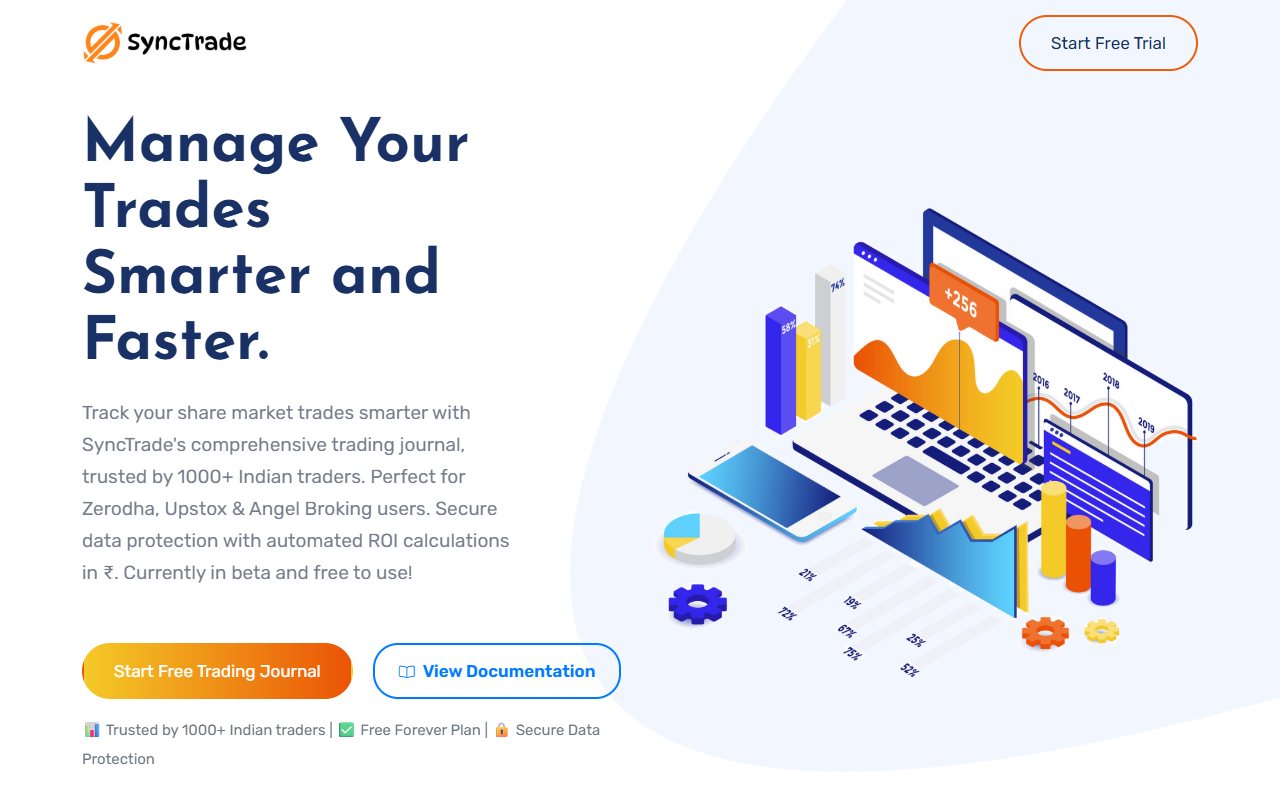
SyncTrade's published free plan is ₹0, with up to two trading accounts, 60 NSE/BSE trades a month, four fills per trade and two channels or strategies. Its Pro plan is marked coming soon, so this comparison does not invent a paid SyncTrade price. OTJ's free plan allows one trade per day per market. Paid India subscriptions are ₹499 monthly, ₹1,299 quarterly and ₹3,499 yearly. They allow extra entries. AI and voice fill are paid tools with usage limits. For a share trader whose activity fits SyncTrade's allowance, free access may be a good reason to try it. OTJ should not claim to be cheaper than a zero-price plan. For a made-up F&O trader making several decisions in one morning, OTJ's free allowance will be restrictive. If you want a complete OTJ record, budget for paid access. Do not leave out the second and third trades. Also check execution counts against your normal share workflow. Four fills can fit two buys and two sells. They may not fit a longer series of partial sales. A promised unlimited future tier does not settle what happens today. Compare time as well as money. Free software can still cost too much time if it does not capture the kind of trade you need. Paid software should help you finish a useful review each week. ## Read the daily notes again on Sunday
An ordinary weekly review is a good test. Choose one share position with several fills and one options decision where emotion changed the plan. Keep the broker statement beside you so quantities, prices and fees can be checked. For SyncTrade, inspect the share position structure and the available file preview. Confirm how the plan counts the position and fills. If you need options, check support now. A planned feature is not a live one. For OTJ, enter the options decision with its intended stop and target, then add the reason for any change. See whether the weekly review finds one repeated choice. Do more than retell the loss. OTJ also exports CSV, JSON and text reports. CSV gives rows and columns, JSON keeps structured fields, and text gives a readable report. You can keep copies of your own entries. These are journal records, not broker-certified accounting documents. Choose OTJ if you want to build a daily options-writing habit and notice why you rushed into another trade. Choose SyncTrade if its grouped share holdings and file routes fit your main need. Keep the personal reason and broker statement whichever you choose. Honest review can support discipline, but neither journal promises a profit.
Sources and limits
We checked these public product pages and OneTradeJournal’s current product on 12 October 2026. We did not test a private SyncTrade account, broker import, payment or AI answer. Check current plans and limits before paying.
- SyncTrade beta and free limits · Checked 12 October 2026
- SyncTrade trade and fill guide · Checked 12 October 2026
- SyncTrade import routes · Checked 12 October 2026
- SyncTrade Zerodha CSV guide · Checked 12 October 2026
- SyncTrade Groww Excel guide · Checked 12 October 2026
A journal cannot promise trading profits. AI answers and fee estimates can be wrong. Check trades and charges against broker records. This page does not give trading, investment or tax advice. Competitor names and website pictures do not imply a partnership or endorsement. Any example is an explanation, not a private account screenshot or a real customer result.