The detailed comparison
A closer look at the daily routine, the tools and the limits of each product.
Choose a section
Give the unplanned entry a reason in your daily note
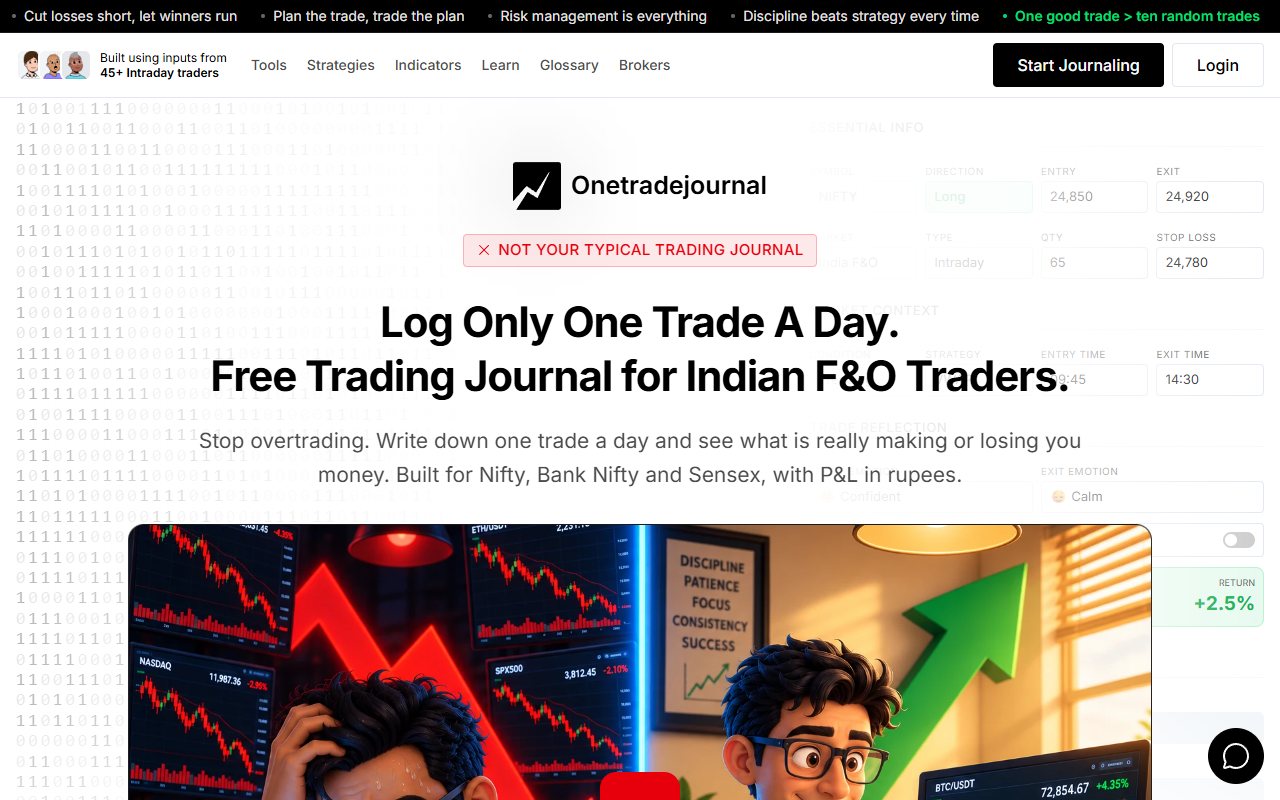
A researched morning plan can give way to a fast move you did not prepare for. OneTradeJournal asks you to write one daily trade so the feeling behind that detour stays visible. Record the reason, the planned risk and what changed, rather than calling a lucky win good discipline. The aim is a daily habit that helps you notice overtrading and avoid repeating costly mistakes. The journal cannot prevent orders or enforce a cash loss limit. One planned trade can still lose money. Free OTJ allows one saved trade per day per market. Paid plans permit extra entries. The one-trade focus is a reflection routine, not a reason to omit real trades or treat one note as the entire account. This comparison is about Trade Journal at tradejournal.in and its linked Android listing. Its website describes watchlists, rules, notes and a daily debrief. The Play listing adds offline records, file imports and risk sizing. Those tools can support its own discipline routine. OTJ starts with manual writing in a web account, especially for Indian futures and options. Futures and options, or F&O, are contracts linked to a share, index or other asset. Its known contract and emotion fields may suit the trader who wants personal reflection to be part of each daily entry. We checked public pages and OTJ code, without installing or testing Trade Journal. The website demo uses sample data. The platform, contract and recovery checks below remain important even when the initial install is free. ## Save the morning list before you know the result
A made-up Indian stock trader researches three names before the session, then trades a fourth because it starts moving quickly. At night, the chart makes that fourth stock look like an obvious choice. The trader remembers it as part of the plan. Trade Journal's website describes locking a watchlist and comparing it with actual trades. That can keep the morning plan visible. It may help someone who keeps trading names they did not research. OTJ saves the planned stop, target and strategy with a plan-change field and notes. An Indian options trader can explain why the real entry differed from the setup, or planned entry conditions. For example, “I entered the Sensex option because I saw a sudden move in another trader's chart” is more informative than calling it the day's normal strategy. The note shows where the idea came from. Ask whether the product records the plan you actually use. A stock watchlist and an options trade plan are not necessarily the same record. Check whether the fields keep your actual contract and reason. Both can help you see the plan you had before knowing the result. They still need honest input. A saved plan does little if the trader changes its meaning afterward to make every entry seem planned. ## Review the moment you left the plan
Trade Journal's website describes a debrief, or end-of-day review, that compares memory with the saved session. A trader can review whether the day followed the intended rules rather than trusting the final feeling. Imagine a made-up trader who recalls a disciplined day because the day made money. The trade record shows several entries outside the watchlist. Comparing memory with the record can show the gap. OTJ saves feelings and reasons beside each trade: entry and exit emotions, stress, confidence, an impulse reason, a mistake, satisfaction and deviation. Those details can show when the feeling changed. A made-up Bank Nifty trader might begin calm, become excited after a winner, then enter too quickly with larger size. One final daily mood can hide that sequence. Several trade entries can preserve it more clearly. A daily review can still help explain the whole session. Trade Journal also has trade notes. Its store listing explicitly includes notes and setups. Choose the daily questions you will keep answering. OTJ is a good fit when you want to write the explanation with the F&O trade while it is fresh. Trade Journal deserves consideration when a local daily debrief and pre-session plan are central to your routine. ## An Indian app does not establish every F&O detail
Trade Journal is marketed to Indian traders, but the reviewed pages did not establish its exact handling of option expiry, strikes, lots or multi-leg strategies. That is something we did not establish. It does not prove options cannot be recorded. OTJ has confirmed Indian stock and F&O fields, familiar index choices, an expiry picker, lot-size hints and estimated brokerage and statutory charges. These may help a trader who normally records Nifty, Bank Nifty or Sensex contracts. A made-up Nifty trader should try the details of an actual contract before adding a long history. Expiry means the contract's end date. Strike means its agreed price level. Check quantity, expiry and direction, and inspect whether the resulting calculation matches the broker record. A symbol field alone does not prove that an options contract is handled correctly. Equally, do not reject a product just because its landing page examples mostly show shares. The right step is a specific contract check. OTJ's hints do not certify historical lot specifications. Charge estimates do not replace broker contract notes or create tax filings. The trader remains responsible for entering accurate records. If options details come first, OTJ has known fields for them. If you mainly review shares and want local Android use, Trade Journal's documented workflow may matter more. ## Imports have a useful, limited role
Trade Journal's store listing describes CSV and XLSX trade-history imports with supported formats and column mapping. The website names Zerodha, Angel One, Upstox, Groww and compatible files, and says no broker login is required. That is a file workflow. It should not be called continuous broker API sync. The trader first exports a report, then imports it into the app. OTJ has no file importer or broker sync. Paid voice fill helps populate its manual form but does not bring in a tradebook. If you need to bring in a long history, judge the manual work first. Consider a made-up trader with several months of share executions. A working importer may save a lot of typing. Check grouped fills, dates and quantity using a small file before bringing in everything. The broker file usually does not contain the planned stop, watchlist decision or private reason for an entry. Those need to be added by the trader if the later review depends on them. Trade Journal's public website acknowledges that imported-only days cannot prove some discipline inputs. That is a useful limit to keep clear. Imported numbers and reasons supplied by you answer different questions. For OTJ, compare daily entries with the tradebook so uncomfortable decisions do not disappear. Manual reflection is valuable only if the relevant sample remains honest. ## Risk arithmetic needs an honest planned stop
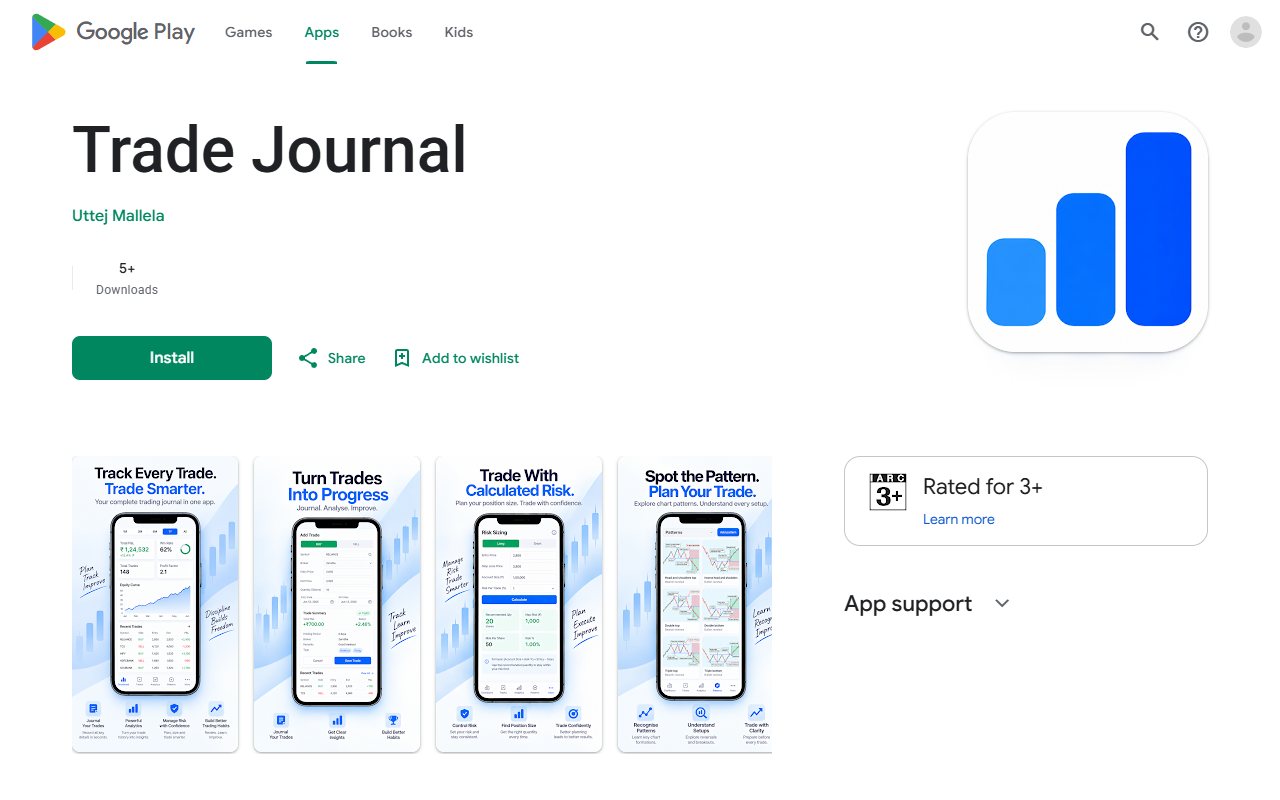
Trade Journal's store listing describes quantity calculations from capital, risk percentage, entry and stop. This can help record planned risk before a trade. A made-up options trader may use a carefully calculated size and still ignore the intended stop. The size calculation and the later choice need separate review. OTJ records the planned stop and target, and can compare the result with planned risk when the stop is valid. The trader should preserve what was intended before the result, rather than entering a more comfortable stop afterward. OTJ's free behaviour analytics compare saved feelings and habits with recorded results. Its behavioural flags can draw attention to possible size spikes, revenge trades and overtrading. They are rough checks on entered data, not diagnoses or broker order blocks. Inspect the actual entries behind a flag. OTJ's exit review compares your saved exit with your saved target. It does not measure the largest price move against or in favor of the trade. It has no testing of rules on past prices or historical replay. A journal can help make risk and deviations visible. It cannot guarantee that the trader will act differently. Choose an action you can inspect, such as recording the reason whenever quantity differs from the original plan. ## Local records need a backup habit
Trade Journal's store listing describes records staying on the device and backup and restore. This can appeal to a trader who wants an offline journal without a broker connection. Make backups part of the routine. A record that only exists on one device can be difficult to recover if the device changes or its app data is cleared. This is a recovery check. We have not compared security. Imagine a made-up trader changing phones after six months of journaling. Before the switch, test the exported backup and confirm which notes, settings and trade fields return. Check a real restore, not only a backup button. OTJ exports CSV, JSON and text reports. CSV gives rows and columns, JSON keeps structured fields, and text gives a readable report. These files keep saved data. They do not import history or sync a broker. Check that the copies make sense outside the app. OTJ does not claim to be more secure because it is a web app, and Trade Journal's local design does not automatically prove stronger protection. Choose the access and backup steps you will keep doing. For someone who reviews on a laptop as well as a phone, try the device workflow before choosing a phone-based journal. The website demo itself should not be assumed to be a saved browser journal. ## Check install price and ongoing access separately
The Google Play listing shows a zero-price installation. It does not establish a permanent free allowance, any future paid plan or all in-app usage terms. OTJ's India subscriptions are ₹499 monthly, ₹1,299 quarterly and ₹3,499 yearly. Free journaling permits one trade per day per market. Paid subscriptions allow extra manual entries. AI and voice are paid tools with usage limits. We therefore do not claim OTJ is cheaper than Trade Journal or that the alternative has an unlimited free plan. Confirm actual store and in-app terms before using cost as the deciding factor. OTJ's paid AI includes Ask Your Journal, Trading Mentor with chart screenshot analysis and pattern feedback. Equivalent AI-written review was not established for Trade Journal. That is unknown, not proof it has no AI. If AI matters, ask a concrete question such as, “Which deviations share the same reason?” Inspect the records behind the answer. AI can be wrong and cannot know unlogged trades. ## Choose the platform and review style together
Use an ordinary recent week with an off-plan entry, an uncomfortable exit and a day when you chose not to trade. Keep the broker record beside the numbers. Choose OTJ if you want a daily written F&O review that names the urge behind an entry outside the plan. The known contract fields keep that reason with the actual trade. Return to the note before treating another sudden move as a reason to ignore the rules. Choose Trade Journal when its local Android app, file imports, watchlist process and daily debrief match your routine. Verify options details and plan terms if they are essential. Choose the journal whose daily questions you will answer honestly. Keep the original plan, real action and feeling together. That gives next week's review more than memory. Neither tool promises profits, and broker statements remain the financial record.
Sources and limits
We checked these public product pages and OneTradeJournal’s current product on 12 October 2026. We did not test a private Trade Journal (tradejournal.in) account, broker import, payment or AI answer. Check current plans and limits before paying.
- Trade Journal current website and sample demo · Checked 12 October 2026
- Trade Journal developer Google Play listing · Checked 12 October 2026
A journal cannot promise trading profits. AI answers and fee estimates can be wrong. Check trades and charges against broker records. This page does not give trading, investment or tax advice. Competitor names and website pictures do not imply a partnership or endorsement. Any example is an explanation, not a private account screenshot or a real customer result.