The detailed comparison
A closer look at the daily routine, the tools and the limits of each product.
Choose a section
Keep the calm entry and fearful exit in the daily note
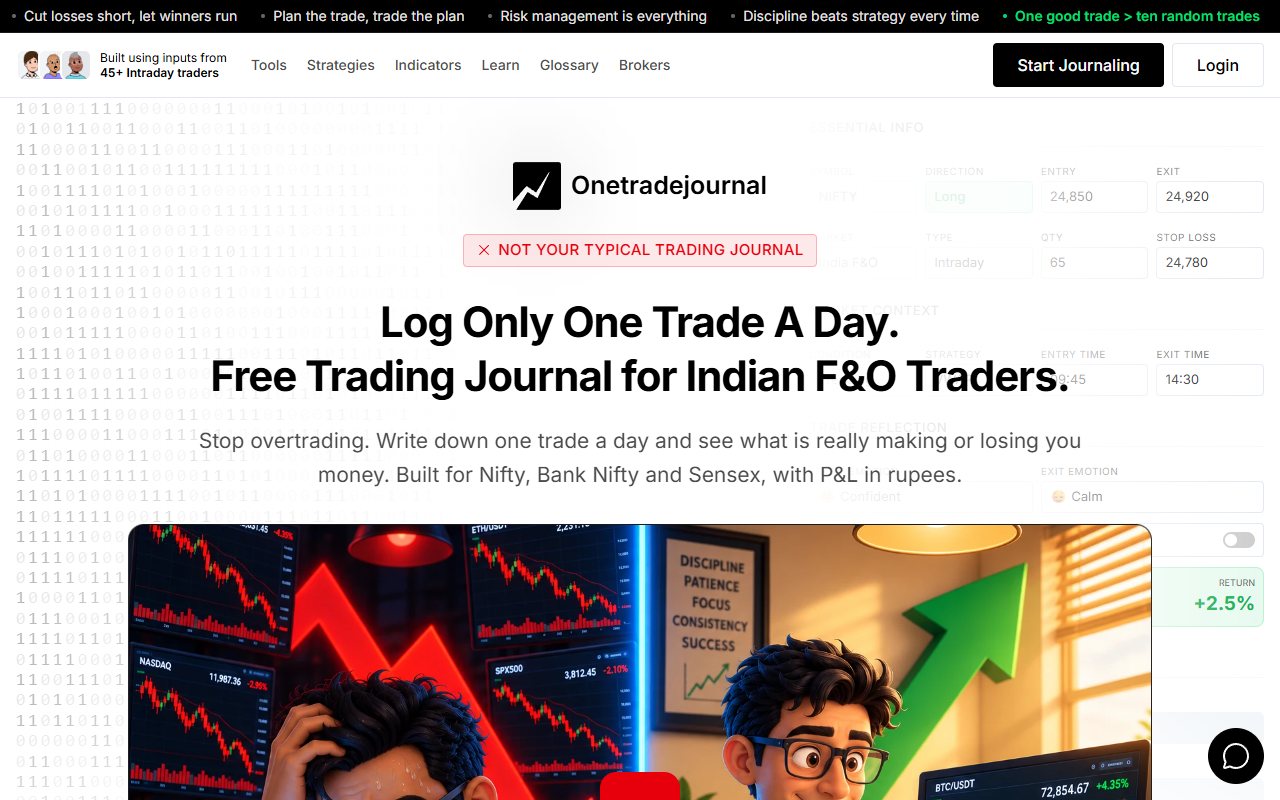
A trader can enter a Nifty option calmly, then leave early because the memory of yesterday's loss returns. OneTradeJournal is built around writing one daily trade so those two feelings stay visible beside the original plan. Save why the setup qualified, your planned risk and what changed at exit. The aim is to build discipline, reduce overtrading and avoid repeating costly mistakes. It cannot block orders or set a hard loss limit at the broker. One planned trade can still lose. Free OTJ permits one saved trade per day per market. Paid plans allow extra entries. The daily focus is a habit to practise, not a reason to hide real trades or treat one selected entry as the whole account. Tradeslate's homepage also describes mindset tags, rule adherence and Indian options groups. Each contract in a group is called a leg. Those tools can keep a wider trading structure and personal context together. OTJ does not automatically reconstruct imported options groups. Both products address Indian futures and options, often called F&O. These are contracts linked to a share, index or other asset. OTJ starts with manual writing and known entry/exit questions. Tradeslate adds its documented trial imports and spread-focused tools. We read the public pages in a normal browser on 12 October 2026 and opened a sample spread card. We did not create an account, import real trades or test paid access. The trial descriptions still conflict, and a settled paid price was not established. ## Write what changed after the planned entry
Tradeslate already lists emotion tags, mindset tracking and checks against your rules. Its about page also mentions AI insights. Its own psychology and AI descriptions deserve credit. OTJ’s case rests on the details we can verify in its own product. The form has separate entry and exit feelings, stress, confidence, satisfaction, impulse reason, mistake and plan-change fields. These can help you separate the feeling that led to a trade from the feeling that led to an exit. Imagine entering a Nifty option calmly after a planned setup, then closing it early because a previous loss comes back to mind. Marking the whole trade “fearful” hides the difference between the two moments. Recording the entry as calm and the exit as fearful gives the weekly review a clearer question. The daily writing matters even when the trade makes money. You can ask whether the exit matched the original plan rather than automatically calling any profitable decision disciplined. Use the same meanings each week so you can compare trades. ## A group of contracts and a reason are different records
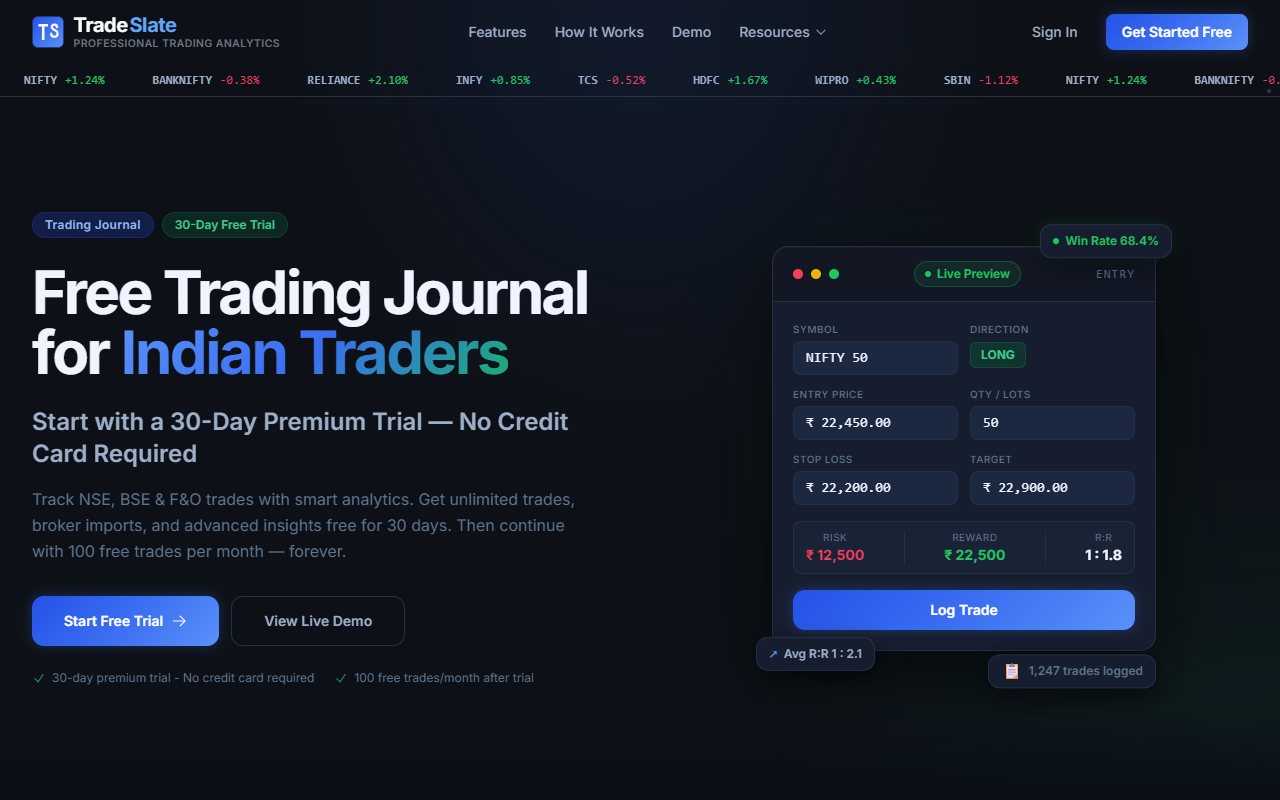
Tradeslate advertises records for several options contracts under one plan. Its public demo includes a spread screen and an interactive simulator. We opened the public sample spread card. We did not test real imported contracts or certify the displayed sums. In a made-up example, a trader buys one options contract and sells another under one plan. This pair is an options spread. This is an illustration, not a recommendation to trade that structure. A grouped record can show their total result. That may be useful when both contracts belong to the same plan. Tradeslate’s published focus is relevant to that task. OTJ does not group options spreads by itself. It records the reason for entry and the planned stop and target. It also records confidence and changes from the plan. These details help you ask why you acted. A trader may close both legs from fear before the planned exit condition occurs. The net profit alone cannot explain that choice. A written exit reason and exit emotion can. OTJ may fit when that repeated choice is the main reason you want a journal. ## Check what stays free after the trial
The current Tradeslate homepage lists a 30-day premium trial. It says no credit card is needed. After the trial, Free lists 100 manual trades a month. It also lists basic charts, CSV export and keeping your data. The premium trial lists unlimited trades and Zerodha and Fyers imports. It also lists file uploads and extra reports. For a trader logging several positions a day, the monthly cap may suit busy days better than OTJ's daily free limit. OTJ allows one free trade entry each day in each market workspace. It is an ongoing free plan, but it does not permit an entire busy options session to be entered for free. Do not choose OTJ because you assume it has the larger free journal. Use free OTJ to try a small entry routine. Pay if you need to record extra trades in the same market that day. A few free entries can show if the fields suit you. They cannot show your full results if you leave most trades out. Tradeslate’s page also has an older footer mentioning a 15-day trial. The repeated pricing and FAQ sections say 30 days. Check the trial end date in your account. The two page offers do not settle the length for every signup. ## Premium availability needs a separate check
A trial may offer premium tools. You still need to check if you can pay to keep using them. Tradeslate's FAQ says upgrades will be offered when payments launch. The page we read did not give a clear premium price. The Tradeslate terms discuss monthly or yearly payment in rupees. These general terms do not show a live price. They also do not settle what you can use after the trial. That is why this comparison does not invent a monthly amount or claim that OTJ is cheaper than Tradeslate. OTJ’s current India plans are ₹499 monthly, ₹1,299 quarterly and ₹3,499 yearly. Paid access adds more entries and AI features. These plans need renewal. OTJ does not sell a new lifetime plan. Check the term and included tools on the plans page before paying. Known prices help you plan your costs. They do not prove which product will suit you. You can budget for the published OTJ plan while Tradeslate's later price is still unknown. ## Broker imports save work but leave some questions unanswered
Tradeslate’s premium trial names Zerodha and Fyers imports, alongside Excel and CSV uploads. That is a published feature claim. We did not test the imports. Check your market and a trade filled in parts. Also check an old broker file before bringing in all your history. OTJ currently has no CSV import or broker sync. You enter the trade manually. Paid voice fill can help complete the form, but it is not bulk migration and does not replace checking the numbers against your broker records. An import can bring in prices and quantities without bringing in the reason you ignored a planned stop. That is a reason to add context after importing, not a reason to dismiss imports. Many traders need all their trades in the record before they can review behavior. OTJ makes sense when the act of entering the reason and result is part of the habit you want. If typing makes you skip trades, test Tradeslate's imports. First check your broker file and whether you can keep using the tool after the trial. ## Decide which analytics you will actually use
Tradeslate lists charts by setup and weekday. It also lists equity curves and drawdown. An equity curve shows results over time. Drawdown is a fall from an earlier high. These can be useful when you want to compare a repeatable setup over a meaningful sample. OTJ also has calendar, equity, strategy and time views. Its ordinary behaviour analytics are free and compare saved emotions and habits with recorded results. Its risk multiple compares the result with the planned risk when a valid stop is saved. These views inspect saved entries. They do not prove every trade is recorded correctly. For example, you might discover that a particular afternoon setup has weak results. Before banning that time slot, check whether those trades came from the same market conditions and whether you left out successful sessions. A small sample or missing trades can create a strong-looking pattern that does not last. The OTJ advantage is the link between a result and the information you recorded about your decision. You can review the strategy alongside confidence, an impulse reason or a plan deviation. Ask one clear question about that link. More charts help only if you read them. ## AI is most useful when it sends you back to the records
OTJ’s paid Ask Your Journal and Trading Mentor features give you a way to explore the recorded history and review chart screenshots. Its AI and voice tools are paid with usage limits. The AI needs correct and complete records. It cannot recover a missing trade. A price result does not tell it how you felt. Ask a question such as, “Which of my recorded exits were driven by fear, and what evidence supports that?” Then inspect the cited or relevant entries. A useful answer helps you compare decisions; it does not replace that comparison. Tradeslate's about page mentions AI insights. We could not confirm which plan includes them, the limits or the review steps. This is an information gap, not a claim that Tradeslate has no AI. OTJ is a clearer choice when you specifically want its documented in-app journal questions and mentor workflow. Check the paid plan first. Neither site's AI claims prove a higher win rate or prevention of the next unplanned order. ## Check reports against the broker
Tradeslate’s premium trial lists PDF and tax reports. A feature list does not certify the sums or approve a report for your tax filing. We did not test them. OTJ estimates charges and exports CSV, JSON and text reports. CSV gives rows and columns, JSON keeps structured fields, and text gives a readable report. Those exports help you retain the information you entered. They do not prove that the entered values match the broker. Keep broker tradebooks and contract notes when matching trades and fees. If you give a journal report to an accountant, check its dates and quantities. Look for repeated trades and check the costs too. This check helps find errors. We do not claim either journal always calculates correctly. Similarly, OTJ's exit review compares the saved exit with the saved target. It does not measure the largest price move against or in favor of the trade. It does not show the best possible exit from all past market prices. ## A simple way to compare the two without moving everything
Start with one completed trade you can describe clearly. Write the entry reason, the planned exit, the action you took and the emotion at both stages. Keep the broker numbers available to check your record. In OTJ, see whether the structured entry makes that explanation easier. A good first review should end with a question you can test in later entries, such as whether you repeatedly exit planned trades because of a previous loss. In Tradeslate, inspect the public demo and confirm the features that matter to you: spread grouping, imports, strategy comparisons, free allowance and access after the premium trial. A demo can show the intended workflow without proving that a particular broker file works. You do not have to rebuild your entire history to make this decision. Start with a small normal example. Do not treat one sample as proof of every feature. ## Choose the daily review you want to practise
Choose OTJ if you want to write one daily trade and notice why the feeling changed between entry and exit. Keep the calm plan and later fear together, then return to the note before repeating an early exit for the same reason. Paid journal questions and known prices are useful extra checks. Choose Tradeslate when its free monthly allowance, advertised imports or native options-spread focus solve a more immediate recording problem. Check how to keep a premium tool after the trial before relying on it. OTJ's fit is the daily writing practice around an Indian options trade. Tradeslate also has Indian analytics and psychology tools, with a larger published monthly free allowance. Keep honest personal notes and the complete broker record whichever you choose. Neither product promises profit or stops an unplanned order.
Sources and limits
We checked these public product pages and OneTradeJournal’s current product on 12 October 2026. We did not test a private Tradeslate account, broker import, payment or AI answer. Check current plans and limits before paying.
- Tradeslate plans, trial and tools · Checked 12 October 2026
- Tradeslate public spread demo · Checked 12 October 2026
- Tradeslate Indian markets and AI · Checked 12 October 2026
- Tradeslate published billing terms · Checked 12 October 2026
A journal cannot promise trading profits. AI answers and fee estimates can be wrong. Check trades and charges against broker records. This page does not give trading, investment or tax advice. Competitor names and website pictures do not imply a partnership or endorsement. Any example is an explanation, not a private account screenshot or a real customer result.