The detailed comparison
A closer look at the daily routine, the tools and the limits of each product.
Choose a section
Say why you entered again, in words you would use
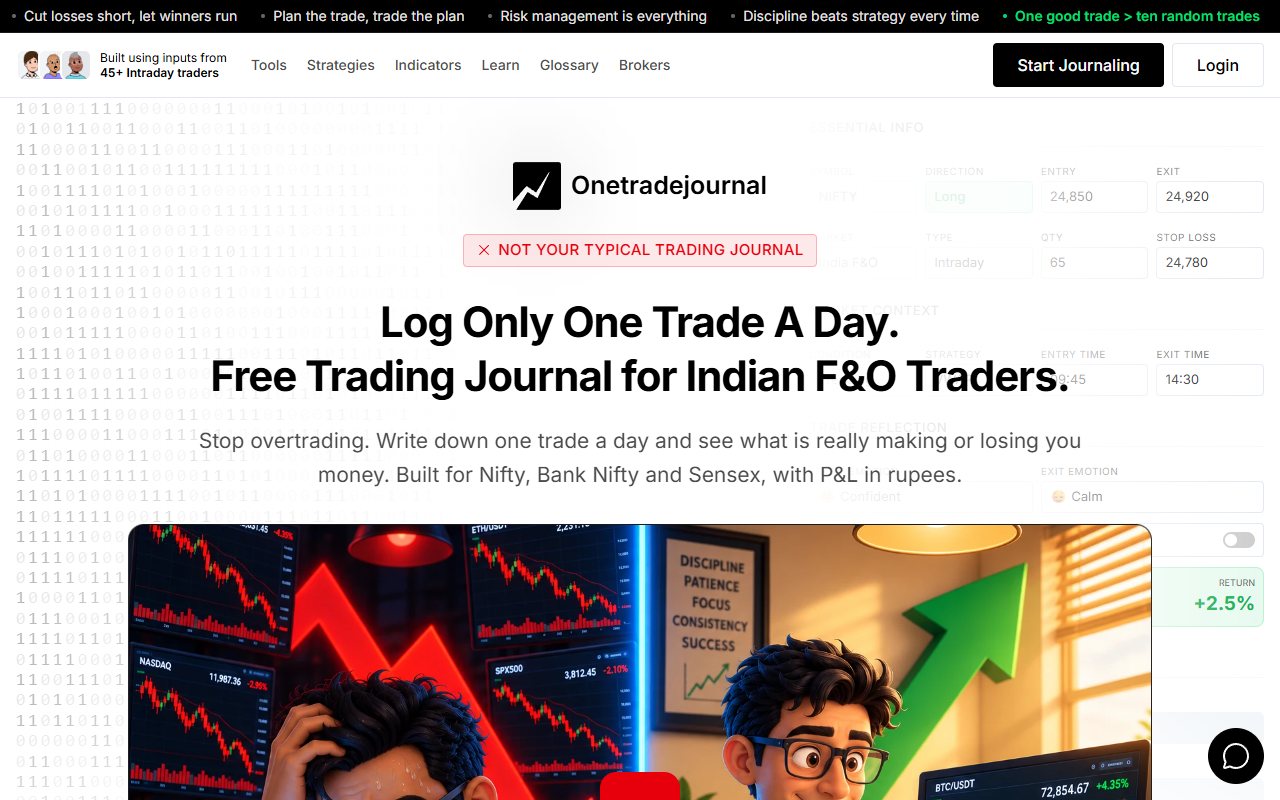
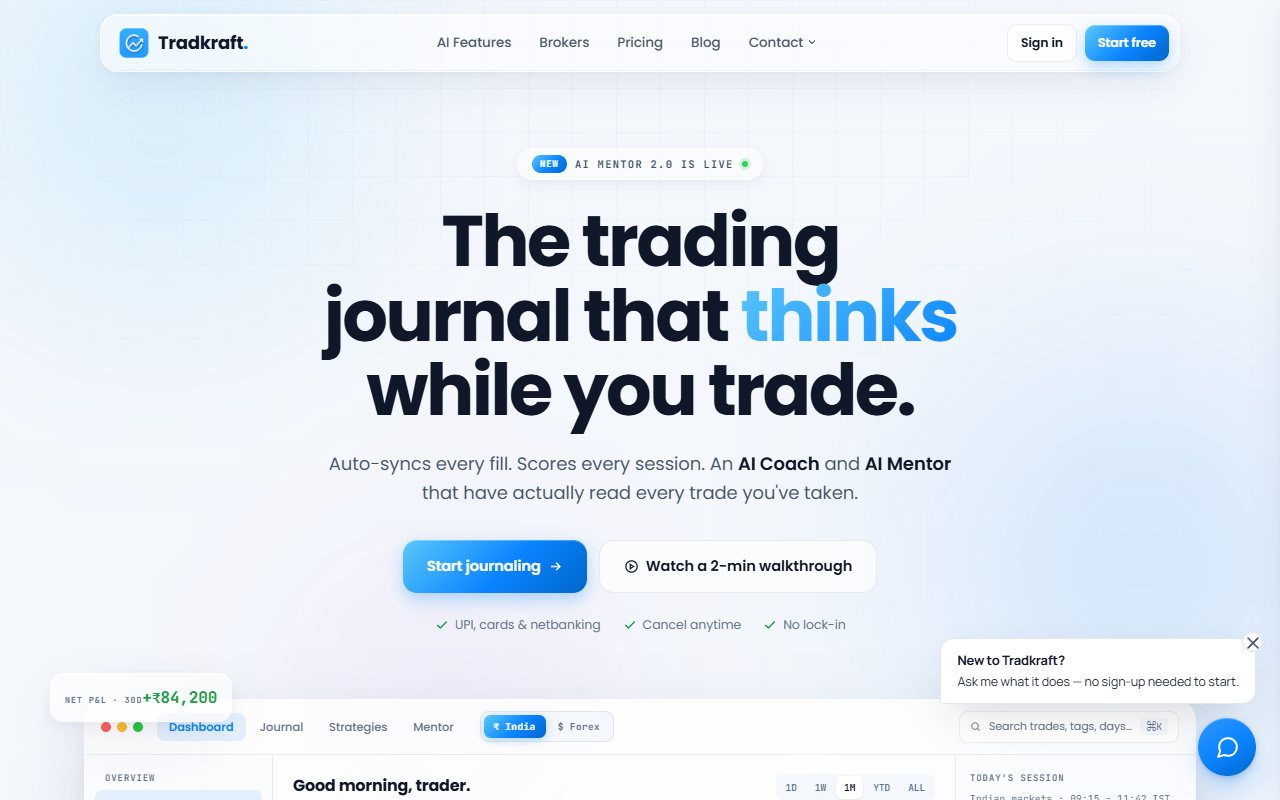
A review calls your afternoon entry a recovery trade. Perhaps you wanted the morning loss back. Perhaps a new setup met a rule you had already written. The daily note needs to say which happened, rather than letting a familiar AI phrase decide the motive. OTJ uses one planned trade as the centre of a manual reflection habit. Write it yourself, save the risk rule and name the feeling that pushed the next decision. This pause is meant to help you recognise overtrading and repeated costly mistakes. It is not a promise that fewer entries will make money. Free allows one trade per day per market and includes Behaviour analytics. Paid plans allow more entries. The daily focus does not force a trade when your setup is absent or restrict your broker orders. Tradkraft also supports a review routine. Its features page describes daily check-ins, debriefs and an AI Mentor in English, Hindi and Hinglish. Its homepage shows emotion tags and notes beside broker-led records. Those are useful strengths. OTJ makes your own daily writing the starting point before an assistant interprets it. ## Keep the personal reason clear in any language
The app's features page documents AI Mentor interaction in English, Hindi and Hinglish. A trader who thinks and writes more naturally in one of those languages may find that relevant. That is a useful feature to test. The useful test is whether the language makes the record more precise. A familiar phrase can make feedback easier to read, but a casual tone is not evidence of a correct claim. Check the original trades just as carefully. The homepage says the weekly review arrives on Friday. The features page says Sunday. Ask which current schedule applies. OTJ offers paid Ask Your Journal, Trading Mentor, chart screenshot analysis and pattern feedback. Its direct habit fields can help you write the note before asking an assistant to interpret it. This comparison does not promise a particular multilingual included feature for OTJ. For a made-up Bank Nifty trade, a short truthful reason of frustration may be more useful than a polished paragraph written in a style you do not normally use. Record why size changed and which planned condition was missing. The assistant should save that meaning. Choose the tool whose interaction makes you more willing to add honest context and inspect the answer. An easy-to-read answer can still be wrong. In the daily reflection, do not polish the reason until it sounds more disciplined than it was. You may have wanted the loss back or felt afraid of missing the next move. OTJ's manual entry asks you to keep that personal context beside the actual trade. Free Behaviour analytics then helps you return to saved feelings and habits. Paid AI analysis is separate. Tradkraft's emotion tags and journal notes can hold context too. A full imported history is useful evidence of executions, while your words explain what mattered to you. Read the original entries behind an AI label. A friendly tone does not prove a cause, and a discipline score is not a diagnosis. ## A made-up Nifty week with a win that broke the rule
Consider a trader who enters a Nifty call before the intended confirmation, doubles size and wins. The next day they follow the plan and lose. They remember the first trade fondly and feel disappointed with the second. This is a made-up review exercise, not a claimed customer result. The purpose is to see whether the journal saves the choices separately from the outcomes. A green calendar tile alone cannot answer that question. In OTJ, record the first trade's impulse reason, confidence, stress and plan change, alongside the original stop and target. For the second trade, record that the planned condition appeared and the risk was followed. The comparison should not call the winner disciplined merely because it paid. In the app, confirm that the collected money records are correct, then add the equivalent reason. An AI score or review should be checked against it. If the assistant guesses the motive differently from the note, save the distinction. At the end of the week, ask what you actually did, not which result you wished to repeat. That question can help you read these choices. A few trades still cannot prove a broad rule. ## Indian broker connections are a listed strength
The app's broker page describes OAuth auto-sync for Zerodha, FYERS and Dhan. It also advertises file import for other formats. These listed routes may save work compared with typing the records in OTJ. OTJ has no broker sync or CSV import. Paid voice fill can help populate a manual form, but you still check contract details, quantity, prices and notes. It is not a replacement for a supported automatic account history. For a made-up trader taking several staged Nifty positions, collection can be the demanding part of journaling. A working connection may save the effort of rebuilding quantities and exits after a busy session. If that burden currently stops the review, the app deserves a close check. Verify the actual connection rather than relying only on the headline. Check a day with partial exits, repeated symbols and an open position at the close. Compare the resulting records with the broker statement and learn how the journal groups them. A full sequence of fills is useful, but it still needs reasons. A fill is one completed part of an order. The software can receive a fill; execution data alone does not establish why a second entry felt urgent. Add that context before treating an AI reason as the trader's own account. ## Ask whether Free uses your own trades
The dedicated official pricing page describes a Free plan with thirty free trades, while its pricing FAQ describes trying the whole app on sample records. Both ideas also appear on the homepage. These are different descriptions of how you can start. The retrieved pricing text does not state a reset period for the thirty-trade allowance. Do not assume thirty trades every month. Ask if you can add your own trades and which tools are included. OTJ's ongoing Free limit is one trade per day per market. It is a real journaling allowance rather than a paid-plan trial. Behaviour analytics is free. Paid India plans allow extra trades and power mode, with AI and voice tools that have usage limits. For someone testing a daily writing habit, OTJ's model is clear. For someone trying the app, the free/sample distinction should be resolved directly. A sample dashboard can show the interface, but it cannot prove how your broker history will be represented. Do not treat free wording as enough by itself. The important questions are whether the data is yours, how much activity fits and whether you can complete the review you intended to test. ## Read the actual monthly and yearly bills
The price page shows Pro at ₹5,988 billed yearly, or ₹499 a month as an annual average. A fresh public browser check on 12 October 2026 also selected Monthly and showed ₹999 billed monthly. The monthly offer is now confirmed on the rendered page. Final payment and renewal were not tested. Read the billing choice and payment screen together. The ₹499 average still needs the yearly bill. It is not the ₹999 monthly offer. OTJ's India options are ₹499 monthly, ₹1,299 quarterly and ₹3,499 yearly. The paid plan page provides the current plans. It has no lifetime plan currently for sale. A useful cost choice follows a proved workflow. If a connection saves you the work that prevents you from reviewing a complete sample, it may be worth paying for. If you want a focused daily pause around a planned trade, OTJ's continuing allowance may already fit that habit. A busy record needs more entry capacity. Avoid a purchase argument based on one made-up trade paying for the year. The journal does not guarantee a prevented loss or a future outcome. Pay for a function you can verify and will use. ## Read the trades before accepting an AI rule
The app presents AI-based plan and risk review on its features page. That can help focus attention. Check whether the suggested change fits a useful set of similar trades. Imagine a made-up report suggesting that afternoon entries are weak. Open the relevant trades. Were they the same setup as morning trades? Were losses clustered in one unusual session? Were the afternoon entries unplanned, or simply a different strategy? OTJ can help record those differences through strategy, time, planned risk, impulse reason and plan changes. Its paid assistant can also produce pattern feedback, but it can be wrong and cannot know missing activity. A flag is a question to inspect. Do not change several rules because one report sounds sure. Pick one small question and keep its meaning clear. The next review can then examine whether that pattern appeared again under the same meaning. Neither journal is a broker execution control. OTJ's flags do not block orders. The app's homepage FAQ says it reads history and cannot execute, modify or cancel orders. Review tools and account controls are different requirements. ## Indian entry aids still need accurate numbers
OTJ has Nifty, Bank Nifty, Sensex and Indian stock/F&O entry fields, with expiry selection and lot-size hints. It estimates brokerage and other required charges. Check the estimates against the broker record. A journal estimate is not a tax filing. For the app, verify the actual segment and source fields in your chosen connection. A broker name does not show that every contract detail or charge arrives correctly. Check your own difficult examples rather than assuming all records share the simplest case. OTJ provides calendar, equity curve, drawdown and strategy or time-of-day views over the logged sample. Risk multiple requires a valid planned stop. Exit efficiency compares the exit with the target you entered, not the historical highest or lowest market price. If you require historical replay or backtesting, OTJ does not supply them. Confirm the specific Tradkraft feature rather than interpreting all AI or reports language as a practice simulator. A journal review and a historical market exercise are different jobs. ## Start the daily habit with an honest first entry
OTJ does not offer bulk migration. If you move from an imported journal, retain the earlier archive and begin a defined new review period. Its CSV, JSON and TXT exports help save the manual entries you create afterward. The app's listed file-import path may be more convenient for an existing archive where the format is supported. Test a small sample and check duplicates, quantities and date grouping before treating the whole archive as reliable. Carry over the meanings of important tags. If you change what late entry means, you cannot compare old and new labels fairly. Save the old reason and note when a meaning genuinely changes. OTJ fits an Indian F&O trader who wants to practise patience by writing one planned trade and the reason for an urge to enter again. Free Behaviour review helps revisit that pattern. Tradkraft is worth considering for its broker collection, emotion tags, daily AI check-ins and familiar-language review, after resolving Free access and report timing. Use a trade you already took. A planned loss and a profitable rule break both deserve an honest note. Keep other trades in the full financial record, even when the daily reflection highlights one. The useful outcome is a repeated moment you can recognise next time, with your risk and next order still your responsibility.
Sources and limits
We checked these public product pages and OneTradeJournal’s current product on 12 October 2026. We did not test a private Tradkraft account, broker import, payment or AI answer. Check current plans and limits before paying.
- Tradkraft homepage and sample-access FAQ · Checked 12 October 2026
- Tradkraft broker connections and file import · Checked 12 October 2026
- Tradkraft AI and rule-review features · Checked 12 October 2026
- Tradkraft prices and Free limits · Checked 12 October 2026
A journal cannot promise trading profits. AI answers and fee estimates can be wrong. Check trades and charges against broker records. This page does not give trading, investment or tax advice. Competitor names and website pictures do not imply a partnership or endorsement. Any example is an explanation, not a private account screenshot or a real customer result.