The detailed comparison
A closer look at the daily routine, the tools and the limits of each product.
Choose a section
Find a setup, then build the habit to review it
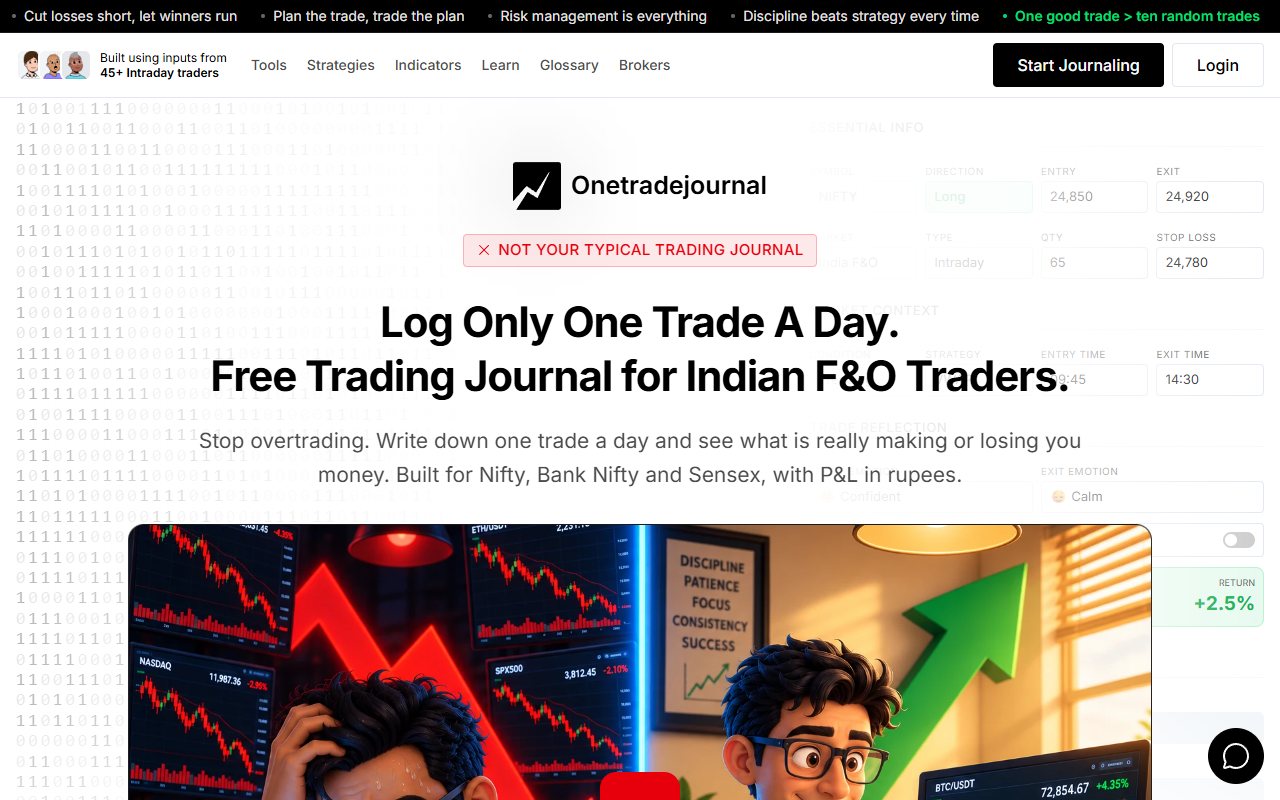
A stock scan can put several shares on your list. That does not mean you need to trade every one. The next step is deciding which setup meets your own rules and whether you are ready to take it. This is where OneTradeJournal's daily habit becomes useful. OneTradeJournal asks you to focus on one planned trade, enter it yourself and return to the reason behind it. Write how you felt and whether the entry and exit followed your plan. The purpose is to make reflection part of your trading day, rather than collect more ideas without reading what you actually did. ChartsMaze's public website lists stock scans, charts and a journal with notes and chart uploads. Its FAQ says the journal is free and unlimited. These are useful features. A stock tool and a daily reflection habit can sit beside each other. The free OneTradeJournal plan allows one trade per day per market. Paid plans allow more entries. One trade a day is the product's intended routine, not a compulsory cap on every paid account or a limit on the orders you can place at your broker. For a trader who keeps chasing a second or third stock, the daily note is a chance to recognise that urge. Record the setup, the risk you planned and what drew you into the trade. That gives your later review a clear reason to read, even when the final profit or loss tells only part of the story. ## A useful stock idea can still lead to a rushed trade
Imagine a made-up example. A trader finds an Indian stock through a scan. The trader plans to wait for a price level before entering. When the stock starts moving, the trader buys early out of fear of missing it. Later, a small price fall makes the trader close the position. The stock scan may have found a useful idea. That does not tell us whether the trader followed the planned entry. The loss does not prove that the scan failed. It also does not prove that the trader was wrong to leave. We need the plan and the reasons to understand the choice. In OTJ, you can record the entry emotion, confidence, stress, planned stop and target. You can also describe an impulse and a change from the plan. The point is to keep separate facts separate. A good idea, an early entry and a worried exit should not become one vague note saying bad trade. ChartsMaze says its journal supports notes and chart uploads. Those may also be enough to tell this story. We have not checked every field inside its account. Those notes can preserve feelings and careful lessons. OTJ's advantage is that its set prompts ask for those details directly. ## What the public ChartsMaze pages tell us
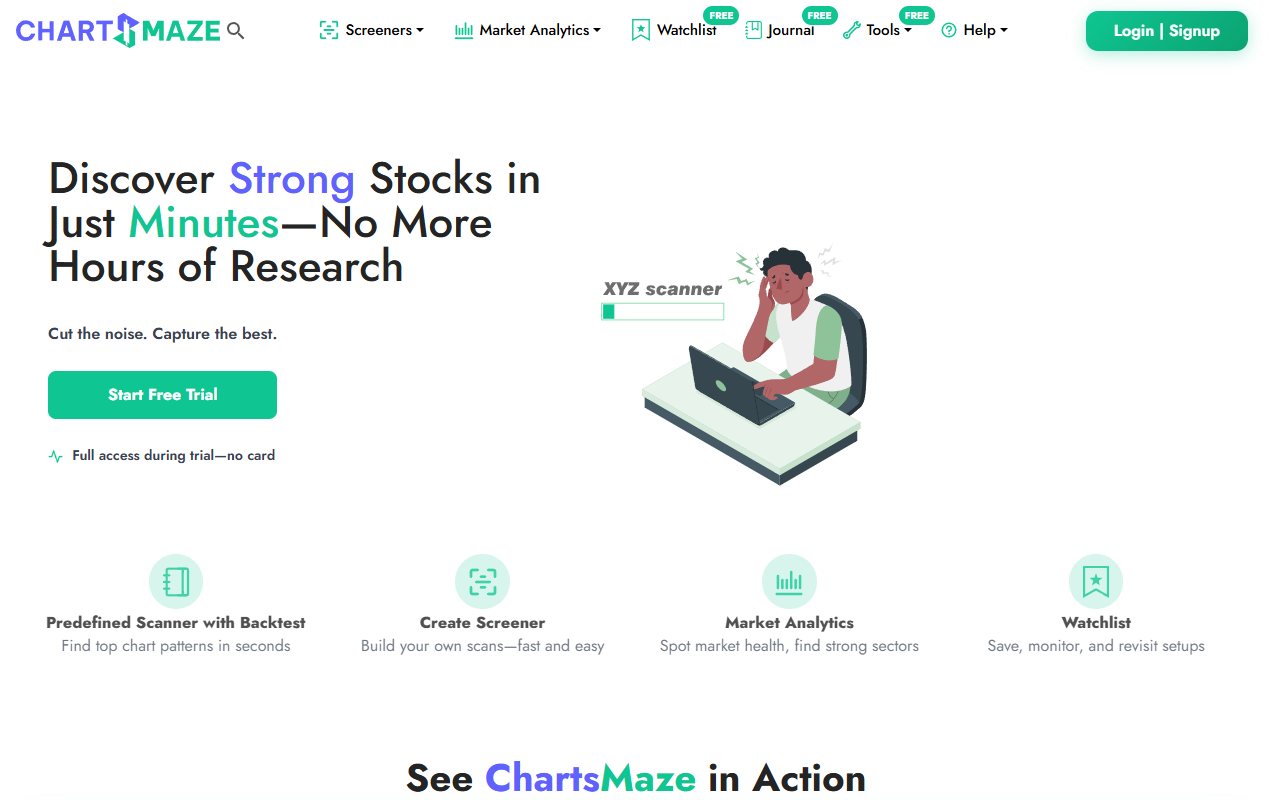
The current homepage describes a trade journal with trade numbers, notes and chart uploads. Its FAQ calls the journal unlimited and free. It also describes a separate free trial for premium stock tools. A trial for those tools is not the same as a time limit on the journal. There is a separate journal address. Our latest browser check could not read the full page there. It returned very little text. That is a limit of this review. We cannot use a sparse page to prove that the journal works today, or to prove that it has closed. We could not confirm the exact option-contract fields, broker imports, AI limits or export contents from the public pages we reviewed. If one of those features matters to you, ask ChartsMaze or check it in your own account before relying on it. This comparison checks published claims. It is not a test of a saved trade, a paid account or a broker link. A public feature list tells us what a provider says it offers. It does not prove that every function works in every account or that all plans include it. ## Notice what you felt before the rushed entry
A note such as nervous tells you something, but it may leave out when the feeling appeared. Were you nervous before entry? Did the feeling start only after the price fell? Did you leave because the plan failed, or because the loss looked too large? OTJ has separate entry and exit emotion fields. It also has fields for stress, confidence, mistakes and changes from the plan. These give you places to record each part of the story. They can help if your free-form notes often skip the same details. For the stock example, the entry note might say fear of missing out. The exit note might say worried by the pullback. The plan note might say entered before the written price condition. These are made-up notes, not the results of a real customer. A field cannot know what you meant. You still have to write an honest answer. A short, clear note can be more useful than several empty scores. If ChartsMaze's notes already help you capture this detail every day, there may be little reason to add another journal. The ordinary behaviour views are part of free OTJ access. They compare the feelings, stress and confidence you saved with your recorded results. Paid AI reviews are separate. Use these views to find notes worth reading; a pattern does not prove that a feeling caused a loss. ## Indian options need the right trade details
For futures and options, often called F&O, a record may need more than a stock name. Option type, strike, expiry, quantity and actual prices matter. OTJ supports manual Indian stock and F&O entries with these details. It also gives lot hints and estimates for trading charges. Those aids do not check the trade for you. Compare the contract and quantity with your broker record. Do not assume a lot hint is right for every date or contract. We are not publishing a current lot-size rule or a tax rate in this comparison. Imagine a second made-up case. A Nifty option trader is short of time and rushes an entry. The useful review may be about time pressure and the missed entry rule. A stock scan does not explain that private reason. A journal can preserve it if the trader writes it down. We have not confirmed whether ChartsMaze offers the same option form. Its stock tools are clearly described, but that does not settle its option-journal fields. Ask for the exact fields if this is your main need. OTJ is a clearer fit when those verified manual fields are the reason you want a journal. ## Keep the picture and the plan together
ChartsMaze advertises chart uploads and notes. This matters when the chart is part of the lesson. A picture can show what the trader saw, while a note explains what the trader intended. One without the other may leave an important gap. OTJ also supports chart context in a trade record. Its paid Trading Mentor can review a supplied chart picture. This is separate from a service that automatically brings every broker trade into a journal. OTJ has no broker sync or CSV import. For the early stock entry, keep the planned price area and the actual entry clear. Write whether the entry rule was met. Record the stop only if it was planned at the time. Do not fill in a better plan later and treat it as the original one. An AI answer may help you organise the review, but it can misread a picture or draw the wrong conclusion. It cannot know an unwritten plan for certain. Check the answer against your own record. Paid AI use has limits in OTJ and does not promise a better trading result. ## A stock scan and your own history use different data
A scan may find many stocks during a month. You may trade only some of them. Your entry times, sizes and exits may also differ from a model test. A chart of possible trades is not the same as a chart of your own trades. OTJ does not offer historical market replay or strategy backtesting. Backtesting means trying a set of rules on past market data. OTJ's reports describe the entries you save. It does not create a full account history from a broker connection. OTJ shows profit and loss, a trade calendar and a chart of logged results. It also shows the fall from a previous peak, often called drawdown. You can review results by strategy and time. Planned-stop details can support a result measured against the risk you planned. These reports depend on the sample you enter. If you save only one of five trades, they describe that one trade. Missing losses or costs can change the picture. Compare the saved entries with your broker history before making a claim about your whole account. ## Compare the free limits fairly
ChartsMaze's published unlimited free journal is a real reason to consider it. OTJ's free plan has a lower entry allowance. It allows one trade each day per market workspace. Several trades in Indian stocks and options do not each get a separate free slot. For example, if you take three Indian-market trades in one day, the free OTJ plan cannot save all three as new entries. More entries require a paid plan. There is no CSV upload or automatic broker sync to fill in the missing history, even on a paid plan. Current OTJ India plans are ₹499 for a month, ₹1,299 for three months and ₹3,499 for a year. The yearly amount is one payment for the year. Paid features include more entries and limited AI use. It is not a free unlimited offer. ChartsMaze's unlimited allowance suits a broad set of notes at no journal charge. OTJ's free allowance supports its smaller daily habit. Choose the habit you will use, then check whether you need paid entries or AI. A subscription is not evidence that your next trade will be safer. ## Try one small review before moving your records
Use the same recent trade to try each journal. Keep the actual broker numbers beside you. Look for the symbol, date, entry, exit and costs. Then see how easily you can add the original reason and retrieve it later. For the made-up early entry, one useful question is whether the planned price condition was met. You do not need a long AI answer to ask it. Your chart and note may already contain the answer. Choose a question narrow enough that the record can support it. Next, look at a later trade. Can you find the same kind of mistake without searching through many unclear notes? OTJ's named fields may help. A familiar ChartsMaze journal may also work well. The useful test is whether your own review is easier to complete and repeat. Before moving a long history, check exports and account access. We have not confirmed ChartsMaze's export fields. OTJ can export saved entries as CSV, JSON or TXT, but it does not import a broker archive. You may need to keep an old file and begin a new manual record. ## Choose a routine you will actually repeat
Choose OneTradeJournal if you want to stop treating every new stock idea as another reason to trade. Its daily entry asks you to focus, write what happened and review your emotions and mistakes. The Indian F&O fields also make that routine practical when you trade options instead of shares. Start with a trade you already took. Write the planned entry condition and whether you met it. If fear of missing the move changed your decision, record that feeling while you remember it. Look for the same urge when you return to your notes later in the week. Choose ChartsMaze for its stock scans and wider research tools, or when its free journal already gives you a useful place to reflect. Its notes and chart uploads deserve credit. There is no need to pretend that only OTJ can hold an honest explanation. You can keep ChartsMaze for stock research and use OneTradeJournal for a daily psychology review. Keep the broker statement as the full financial record. A selected journal entry does not become your whole account return if you took other trades. The intended benefit is a review habit that helps you notice and work on repeated mistakes. Neither a scanner nor a journal guarantees profit. You still choose the risk and decide whether to place the next order.
Sources and limits
We checked these public product pages and OneTradeJournal’s current product on 12 October 2026. We did not test a private ChartsMaze account, broker import, payment or AI answer. Check current plans and limits before paying.
- ChartsMaze features and free-journal FAQ · Checked 12 October 2026
- ChartsMaze journal website · Checked 12 October 2026
- OneTradeJournal homepage and daily habit · Checked 12 October 2026
- OneTradeJournal current plans, checked against product code · Checked 12 October 2026
A journal cannot promise trading profits. AI answers and fee estimates can be wrong. Check trades and charges against broker records. This page does not give trading, investment or tax advice. Competitor names and website pictures do not imply a partnership or endorsement. Any example is an explanation, not a private account screenshot or a real customer result.