The detailed comparison
A closer look at the daily routine, the tools and the limits of each product.
Choose a section
More short trades can hide a habit behind a small gain
An Upstox trader sees a small gain across a busy week of Nifty options. The gross curve looks encouraging. The daily reflection asks a harder question: how many entries came from a fresh setup, and how many came from wanting the day to finish green? OTJ centres a manual writing habit on one planned trade. Save the contract, original risk and the reason you wanted another entry. The pause is deliberate. It is meant to help you recognise overtrading and repeated costly mistakes, without promising that reducing entries will produce a profit. Free allows one trade per day per market and includes Behaviour analytics. Paid plans allow more entries. Keep the full broker record if you traded more often. The daily focus neither forces an order nor restricts your broker account. TradeLens at tradelens.vip offers a useful Upstox file route. Its homepage describes notes and screenshots, and pricing includes mistake tags and playbooks. It can support reflection too. OTJ makes your own daily explanation the starting point, while TradeLens adds history collection and supported market practice. ## Keep the daily reason beside the imported sequence
An exported report can save prices and quantities that are difficult to remember. Raw executions alone do not establish that an entry was a hurried attempt to recover an earlier loss. Even correct imported numbers need your notes if you want to understand your choices. Imagine an Upstox user uploading three months of Nifty option trades. This is a made-up workflow, not a report from a tested account. The imported results could help identify sessions or instruments worth inspecting. The trader still needs to decide which trades followed a defined setup and which were taken because the account was red. Old notes or screenshots may help. Without notes, leave an unknown reason unknown. Do not label every winner as planned. A complete fill history and a complete choice history are different things. OTJ starts from the other direction. The trader enters the facts and records confidence, stress, entry feeling, exit feeling, satisfaction and any plan change. Manual entry is an intentional moment to preserve the reason while it is still clear. That pause is valuable only if the trader uses it. Entering numbers mechanically at the end of a month does not recreate missing context. OTJ's advantage is the structure available for a consistent review routine, not a promise that typing by itself improves your habits. Free Behaviour analytics in OTJ helps you return to saved emotions and habits beside results. Read the actual note behind the pattern. Paid AI behaviour review is separate, and a few examples do not prove that stress caused every loss. TradeLens's notes and mistake tags can hold the explanation too. A review should keep a planned loss and a profitable recovery entry apart. Neither the chart nor an AI comment establishes a private motive you never recorded. The aim of the daily habit is to recognise that repeated moment, not to diagnose it or control your next order. ## Check rupees and fees before reading the chart
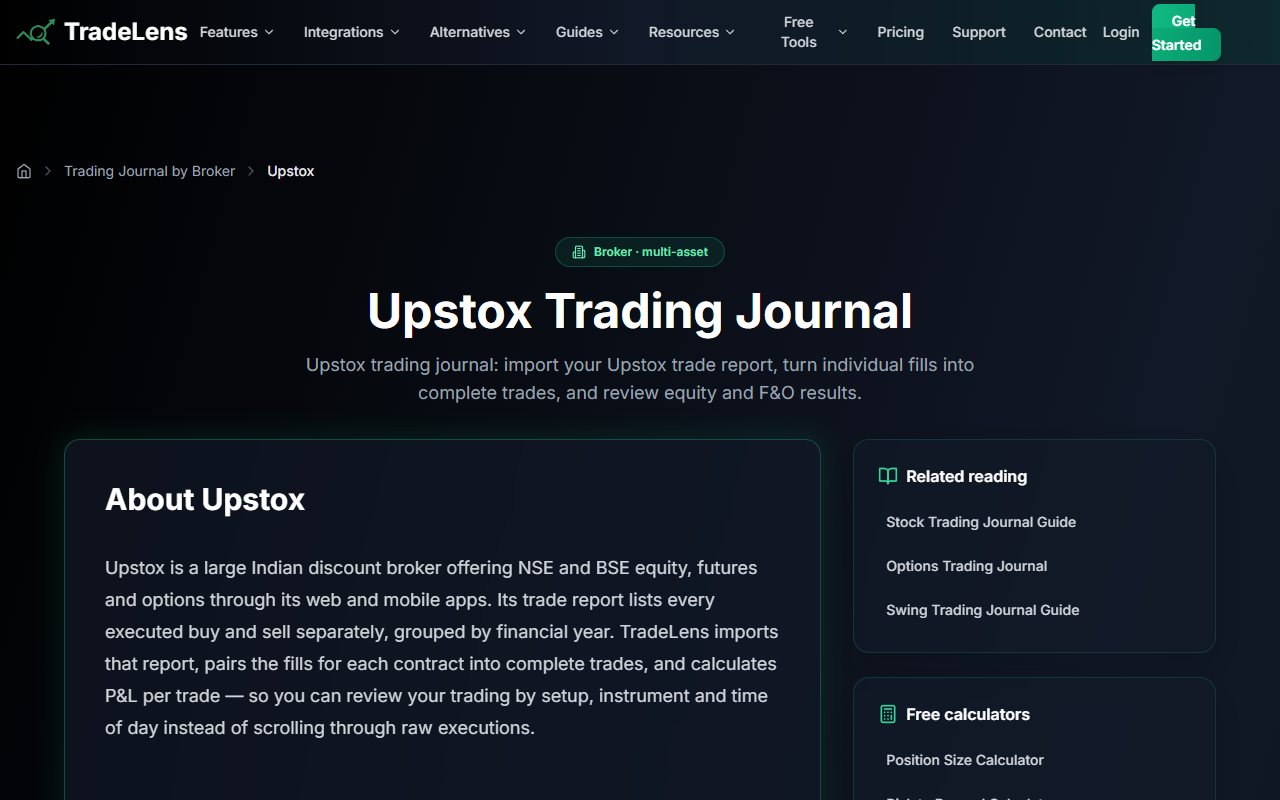
The official Upstox FAQ says imported P&L is calculated before brokerage and other required charges. It also says values are in rupees while the app currently labels amounts with a dollar sign. This does not mean the amounts were converted to dollars. It is a label the guide tells you to read as rupees. A trader comparing an imported chart with a broker's net result should first make sure both represent the same thing. Gross profit and loss is before fees. Net is after fees. Match the same kind of amount before judging the setup. For example, a made-up trader sees a small gross profit across many short trades. The next step is to compare the broker's actual charges with the journal records. A rising gross curve does not prove a useful result after fees. OTJ offers estimated brokerage and other required charges for Indian trades, and its form includes Indian instruments, expiry selection and lot hints. Those help record the contract in a familiar context. Estimates remain estimates. Actual broker statements and contract notes should settle the money and fees. Neither journal should be treated as a certified tax filing or a substitute for broker records. For a normal review, know which amount you are comparing. Save the right quantity and contract. Check the currency rather than trusting its symbol alone. ## Check both sides of a split position
The Upstox guide says to include both the buys and the sells. Repeat for each relevant financial year in the broker reports. That is an important boundary when a position crosses a reporting period. Before relying on a historical dashboard, inspect a few normal positions. Use a simple entry and exit. Then use a position bought and sold in parts. A position crossing a financial-year boundary deserves its own check. Compare the journal's grouping and quantity with the source report. These are suggested check steps, not a claim that the app fails on those cases. No file was imported for this comparison. The guide shows the intended route. Match your own records to check that it worked. In OTJ, the same issue becomes a choice about how to keep the manual record. The trader needs to enter trades in the same way so that later strategy and time-of-day comparisons remain meaningful. Changing the meaning of one record halfway through the month can distort the apparent number of wins and losses. For a busy account, supported imports can save entry work. OTJ has no way to bring in a whole archive at once. It has no CSV importer or broker sync. You can export its saved entries as CSV, JSON or TXT. ## Practice a setup separately from reviewing a live urge
The app's backtesting page documents historical candle replay with drawing tools and pretend positions. It lets you set spreads and commissions for the exercise. Its listed market examples include E-mini Nasdaq-100, E-mini S&P 500 and a forex pair. The reviewed page does not show historical Nifty option replay. Backtesting means trying a setup on past prices. It answers a different question from journaling a live trade. F&O means futures and options. Practice can ask, “Would I recognize this setup as the next candle appears?” A real record asks, “What did I choose when money was at risk, and why?” Both questions can be useful. Practice does not fully reproduce how you feel when real money is at risk. A trader who wants supported market replay has a concrete reason to favor the app. OTJ has no historical replay or backtesting module. A chart screenshot sent to OTJ's paid Trading Mentor is not a replay engine and should not be described as one. For Indian options, check the exact contract and past-price data before paying for replay. An index chart and a particular option contract do not contain the same details. A broad market list does not prove that a particular option's price history is available. In a made-up learning routine, a trader uses supported replay to define a setup. They use OTJ to record whether they followed it in a live F&O session. Each tool supplies a different part of the review. The practice result does not predict the next live result. ## Both products have AI, with different practical inputs
The app includes an AI assistant on its free Lite plan: the pricing page lists three messages per day. It lists 50 daily messages for Pro and 200 for Elite. OTJ cannot reasonably claim that AI access is unique to its product. OTJ's paid tools include Ask Your Journal, Trading Mentor with chart screenshot analysis and pattern feedback. The useful comparison is what details the trader provides and what question they want answered. We did not test the two AIs against each other. No claim of better accuracy is made. A trader with detailed OTJ records might ask whether early exits are associated with high recorded stress. The answer should lead back to relevant trades and their context. A trader using an imported history might first ask which group of results deserves a manual review, then add the missing reason. In either case, a neat story can claim more than the records show. A few trades do not prove a lasting pattern. A feeling entered after the result may also reflect the result rather than the original state. Use an AI answer to choose records and questions to review. Check the records yourself before changing the routine. More AI messages do not fix omitted trades. Clear-sounding answers also need correct tags and quantities. ## Understand the two free allowances
The app's Lite plan lists one journal, 30 trades per month, five lifetime CSV imports and two trial backtesting sessions. The import allowance is a lifetime limit on import operations, rather than five new imports every month. OTJ's free plan continues without a fixed trial end, but allows one trade per day per market. These allowances behave differently. A person making several trades on one active day cannot assume that unused OTJ days can be pooled into that day's allowance. Consider a made-up trader who trades only twice a week but enters several positions during those sessions. A monthly pool of 30 records may match that schedule better than a daily limit. Someone building a focused Indian F&O reflection may find OTJ's daily cap sufficient for that note. More trades in the same market need paid entry access to keep the full sequence. The practical comparison should use an actual week of expected records. Count the trades, import operations and AI messages that matter. Do not choose a plan by comparing the word “free” alone. For paid access, the app's homepage lists Pro at $15 monthly and Elite at $24.99 monthly. Its pricing page shows annual billing of $144 for Pro and $249 for Elite. The annual monthly equivalent is not the month-to-month bill. OTJ's Indian plans are ₹499 monthly, ₹1,299 quarterly and ₹3,499 yearly. These are directly stated rupee prices. The final rupee bill depends on exchange rates and checkout charges. We have not worked out that bill here. ## Choose the daily reflection or the larger file history
OTJ fits an Indian options trader who wants to pause after the planned trade and name an urge to recover money or chase another move. Its separate emotion fields and free Behaviour review help you return to the explanation. There is no file importer, so a large history requires manual work. TradeLens deserves attention if its Upstox route helps collect your archive or its supported replay markets fit your practice. Notes, mistake tags and AI can support review in that workflow too. Check the rupee label, gross results and fees before accepting a chart as your account outcome. Start the daily habit with a trade you already took. Preserve the setup and write why another entry felt necessary. Read a profitable rule break as carefully as a loss. There is no need to place an order when the setup is absent, and a planned trade can still lose. At the weekly review, check the full financial record and the written motives separately. A selected daily entry is a learning note if other trades are absent. The useful change is an urge you can recognise next time. No subscription promises to pay for itself by preventing a loss. This comparison uses only tradelens.vip. A similarly named product on another domain does not supply evidence for these prices, imports or features.
Sources and limits
We checked these public product pages and OneTradeJournal’s current product on 12 October 2026. We did not test a private TradeLens (tradelens.vip) account, broker import, payment or AI answer. Check current plans and limits before paying.
- TradeLens Upstox file import and limitations · Checked 12 October 2026
- TradeLens plan allowances and annual billing · Checked 12 October 2026
- TradeLens historical replay markets · Checked 12 October 2026
- TradeLens homepage monthly prices · Checked 12 October 2026
A journal cannot promise trading profits. AI answers and fee estimates can be wrong. Check trades and charges against broker records. This page does not give trading, investment or tax advice. Competitor names and website pictures do not imply a partnership or endorsement. Any example is an explanation, not a private account screenshot or a real customer result.