The detailed comparison
A closer look at the daily routine, the tools and the limits of each product.
Choose a section
A portfolio total does not explain another rushed entry
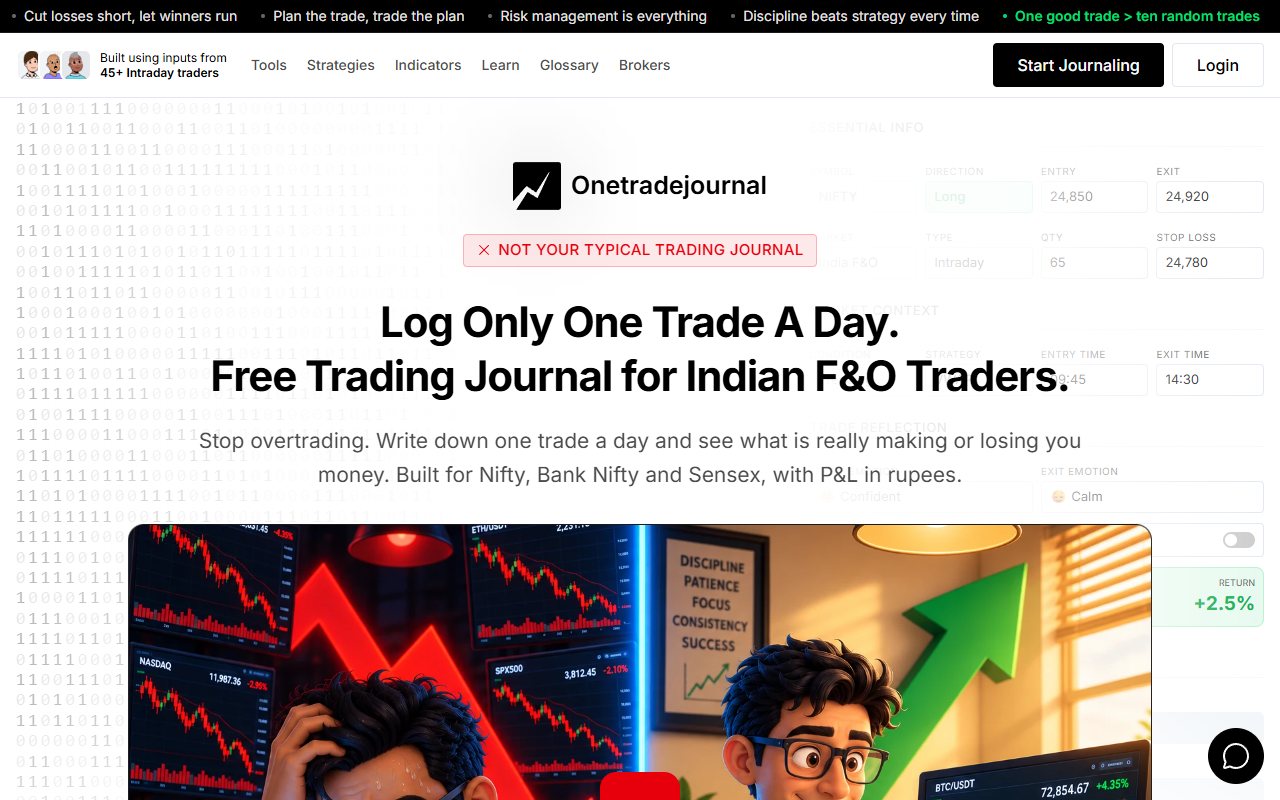
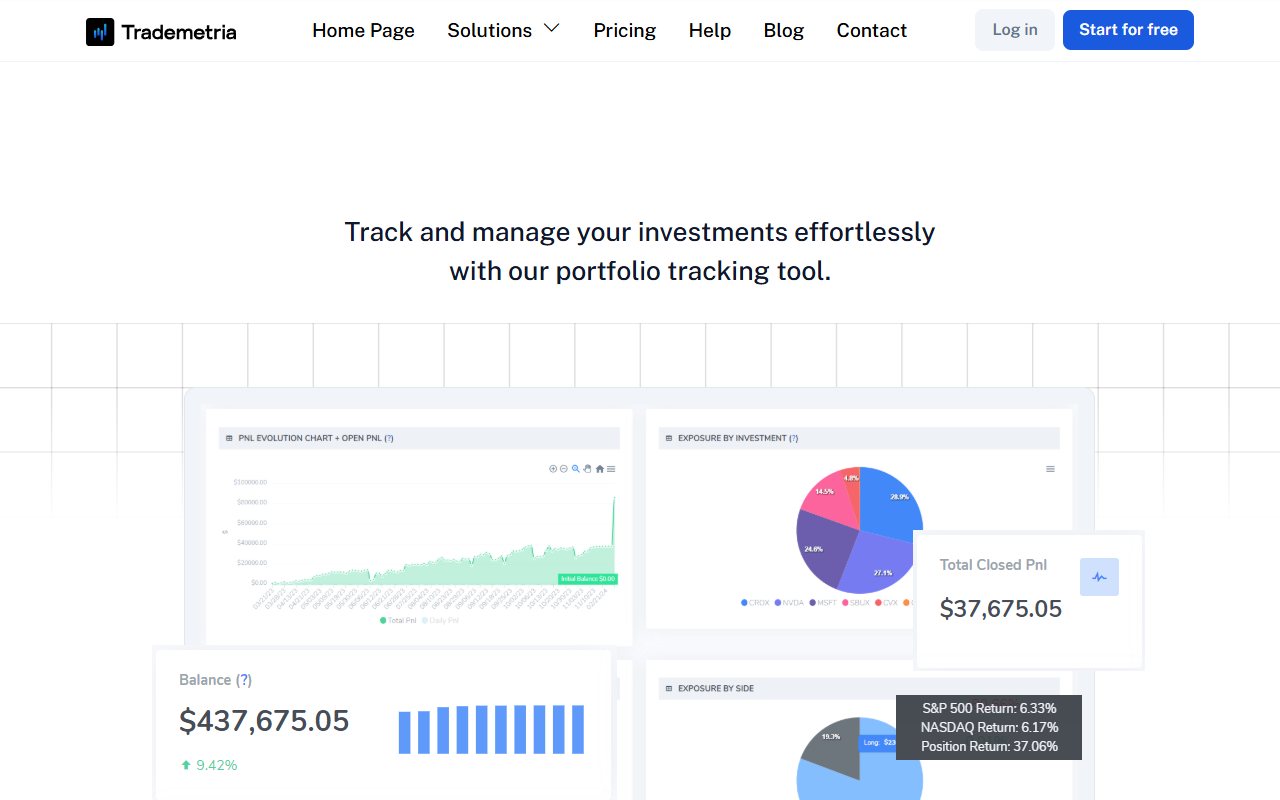
You may hold shares for months and still chase a Nifty option after missing the morning move. The holdings total is useful. It does not explain why you abandoned the entry rule for a short trade. OTJ is built around a daily reflection on one planned trade. Write the contract, your reason and the urge that appeared when the move ran without you. Manual entry is intentional: the pause helps you keep the thinking beside the result. The aim is to help you recognise overtrading and avoid repeating costly mistakes, rather than to guarantee a better return. Free allows one trade per day per market. Paid plans allow more entries. Keep a full broker record if you trade more often. The daily habit is not a broker restriction and does not ask you to place an order when your setup is absent. Trademetria combines a journal with portfolio tracking, meaning a view of investments still held. Its homepage also describes notes, reports and AI. It can support reflection too. Its wider account scope is valuable if you need holdings and cash changes as well as a daily trade note. ## Write why the option mattered at that moment
Consider a made-up trader who holds several Indian shares for months but also takes short Nifty option positions. They want to know how much capital remains invested and why they repeatedly enter options after missing a move. These are two separate review tasks. The app's listed portfolio functions are relevant to the first task. A portfolio view can help organise holdings and exposure. Still match the view with account records. Check how each price, cash change and currency gets updated. OTJ's daily writing habit is relevant to the second task. At entry, record the impulse reason, confidence, stress, stop and strategy. After exit, add the feeling and how satisfied you were. Free Behaviour analytics helps you review saved emotions and habits beside results. A repeated reason such as fear of missing out may become visible in those notes. Paid AI behaviour review is a separate tool, and neither view proves an emotion caused a loss. Do not force one measure to answer both questions. A long-term holding's change in value does not explain the quality of an intraday choice. A thoughtful note about an option trade does not show all the money and holdings in an account. You may prefer one product if it handles the task you need most. If you keep different records for different jobs, define what each contains. That is better than treating a partial trade journal as the account's complete money history. In the daily entry, be precise about the trigger. Did the setup appear, or did you enter because the earlier move felt like a lost chance? At exit, keep the outcome separate from the reason. A rushed trade can win without making the rushed decision part of a sound plan. Trademetria's journal and notes can hold your explanation too. A broker upload or an AI-written draft does not establish an unwritten motive. OTJ makes your own writing the starting point, so the next weekly review has something specific to read. Neither its manual entry nor its Behaviour tab blocks you placing another order. ## What a meaningful weekly note looks like
A weekly reflection needs a clear observation and the entries behind it. For a made-up trader, three option entries came after a missed move. The notes show that the planned condition had not appeared. The next week's review can then check whether the same trigger appeared again. Avoid a broad claim such as being bad at options after a few losses. Read the actual records. Were entries late? Was position size changed? Was the sample complete? Was the result affected by fees or an incorrectly represented contract? These possibilities require different responses. In OTJ, the daily manual entry and free Behaviour review help you return to those details. In the app, supported imports, notes and the broader analysis environment can help organise them. Either route needs time reserved for the review itself. You do not need to produce a large report every week. A short reason attached to consistent records can be enough to save what you learned. Use the same rules for the next period. That makes the two sets of records easier to compare honestly. ## Check the options calculation before importing
The app's official help page says its options support is for markets where the multiplier is 100. A multiplier turns a contract's price change into its money result. The same help also lists some Indian futures. This needs attention if your main activity is NSE or BSE options. Do not assume that a journal supporting options in general handles every Indian contract correctly. Quantity, lot size and contract multipliers affect the money result. Entering an instrument name successfully does not prove that the journal calculated the position as intended. The official integrations directory lists Indian broker file support, including Dhan, FYERS India, Axis Direct, Kotak India and Sharekhan. The rows distinguish file upload from auto-import. Indian broker support is therefore present, but it does not remove the listed options condition. Ask the app to confirm your exact contract and file route. Try a small example from your account. Match its quantity and profit or loss to the broker statement. For an options-focused Indian trader, this check should happen before paying for a plan. OTJ has specific Nifty, Bank Nifty, Sensex and Indian stock/F&O entry fields, expiry selection and lot-size hints. That makes it a more direct starting point for manually reviewing those trades. You must still use the correct contract details and verify charge estimates against the broker record. ## Orders, positions and trades have different limits
We rechecked the official pricing page on 12 October 2026. Free lists thirty imported orders per month, one account and three open positions. Basic showed $19.95 monthly or $169 billed yearly. It lists five hundred imported orders per month and one account. Those are order allowances. A position opened and closed through several fills may use more than one order. Before deciding that thirty is enough, map your actual day to the product's counting method. One trading idea may use several orders, so do not count ideas and assume the cap will fit. OTJ's free allowance is one trade per day per market. Paid India plans are ₹499 monthly, ₹1,299 quarterly and ₹3,499 yearly. Behaviour analytics is free. Paid plans allow extra trades, power mode and AI or voice tools with usage limits. See the paid plan page for the current options. The two free limits are not interchangeable. One position can use several orders. A monthly order cap may fit differently from a daily trade cap. Test your own count. Estimate your usage from recent activity, then check how each journal records it. A free plan should help you check the work without encouraging a misleading sample. If you omit unwanted trades to fit a cap, the results no longer describe the whole account. Label the record as selected practice or use an allowance that can hold the relevant activity. ## The app can help bring in old records
The app documents manual entry, broker CSV, template CSV and some API import paths on its help page. These routes can help if you have an old archive or many supported fills. You may avoid typing those records again. OTJ's deliberate manual routine has no CSV import or broker sync. Paid voice fill can help populate its manual form, but it does not provide bulk migration. If you have years of records, do not choose it expecting the entire archive to appear automatically. A practical switch to OTJ can begin with a new date range for review while keeping the older archive available. Its CSV, JSON and TXT exports let you retain the records you create going forward. A new journal period should have a clear start date so its totals are not mistaken for longer account history. If you use the app imports, validate a few records before loading everything. Include a partial exit, a position across dates and any unusual symbol. Check time settings and duplication habits. Successful upload alone does not show that every position is recorded in the way you expect. ## Automatic notes still need your own reason
The app's homepage advertises an integrated AI assistant, journal generation and trade insights. OTJ also offers paid in-app AI through Ask Your Journal, Trading Mentor, chart screenshot analysis and pattern feedback. AI is present in both products. Automatically generated words can help organise a record. They cannot reliably know why you took an entry if you never recorded the reason. An assistant can guess a story from prices and times. Keep that guess separate from your own written reason. For example, imagine a made-up trader who enters late because their connection failed. A generic reading of the chart might label the entry impulsive. The actual context is different. The trader needs to record that context so later analysis does not repeat an attractive but false reason. Ask an assistant to separate saved numbers, your notes and its guesses. Then check a few examples. A useful tool reduces the work of reviewing evidence; it should not replace missing evidence with certainty. AI allowance and feature access should be confirmed for the plan you choose. Neither product guarantees unlimited AI usage or error-free advice. The useful test is whether the answer helps you inspect your own records more clearly. ## How to compare three mixed-market records
Use a made-up check containing one Indian stock delivery position, one futures trade and one index option trade. Add a partial exit to at least one record. This set exposes more practical differences than a tour of every dashboard. For the delivery position, check purchase quantity, sale quantity, open balance and costs. If you need investment tracking, check the holdings view. Keep completed-trade results separate from positions you still hold. For the futures trade, check the contract and how quantity is treated. Trademetria's public help page mentions Indian futures, but you should still verify the specific contract. In OTJ, confirm the values you enter rather than relying only on a familiar label. For the option trade, resolve the app's published multiplier condition before interpreting the results. In OTJ, verify expiry, option type and quantity. Compare estimated fees with the broker statement and label those figures as estimates when they differ from the actual bill. Finally, add the choice context to each record. Did you follow the intended setup? What changed before exit? Bring the holdings, contract calculation and personal reason together only when their meanings are clear. An account summary and a daily reflection answer different questions. ## Keep holdings and completed trades separate
When cash movements, holdings and closed trades appear near each other, meanings matter. A deposit is money added to the account, not a trading win. A change in a holding's value before sale is different from a completed trade's result. A journal should make those distinctions understandable in the review you intend to perform. For a manual OTJ record, the same discipline applies. Its equity curve and P&L calendar describe the trades you logged. They are not an independently audited account statement. If you omit activity, the dashboard omits it too. OTJ shows the share of trades that won and compares strategies or times of day. Profit factor compares total wins with total losses. Drawdown shows a fall from an earlier high. Risk-based results need a valid planned stop. The exit comparison uses your saved target. It does not rebuild the biggest historical price move. Keep similar trades together at review. A share held for months and a fast option trade have different aims and lengths. A combined win rate may hide that difference. Read the two groups apart before naming a habit. ## Keep the habit small and the financial record complete
Choose OTJ when the repeated problem is a rushed entry, a changed stop or an urge to trade after the planned opportunity is over. Its Indian F&O form puts your own reason, emotions and rule changes beside the result. Free Behaviour analytics supports that review without a paid AI plan. Trademetria deserves a look if you also need a clear view of holdings and account activity. Its listed files, journal and AI are useful strengths. For Indian options, resolve the multiplier condition before trusting the money calculation. A broker name on a list cannot settle that contract question by itself. Start the OTJ habit with a trade you have already taken. Write whether the setup met the rule and why you felt pushed to enter. There is no need to force another trade to keep writing. If the daily reflection covers one of several actual trades, describe it as a learning record and keep the full account history elsewhere. At the next review, name one repeat you want to watch, such as entering after a missed move. Check the new notes for that moment. This is a way to make psychology easier to review, not a diagnosis, an order control or a promise of lower losses.
Sources and limits
We checked these public product pages and OneTradeJournal’s current product on 12 October 2026. We did not test a private Trademetria account, broker import, payment or AI answer. Check current plans and limits before paying.
- Trademetria trading journal and AI homepage · Checked 12 October 2026
- Trademetria free and Basic plan pricing · Checked 12 October 2026
- Trademetria markets and import help · Checked 12 October 2026
- Trademetria investment tracker · Checked 12 October 2026
- Trademetria broker upload and sync list · Checked 12 October 2026
A journal cannot promise trading profits. AI answers and fee estimates can be wrong. Check trades and charges against broker records. This page does not give trading, investment or tax advice. Competitor names and website pictures do not imply a partnership or endorsement. Any example is an explanation, not a private account screenshot or a real customer result.