The detailed comparison
A closer look at the daily routine, the tools and the limits of each product.
Choose a section
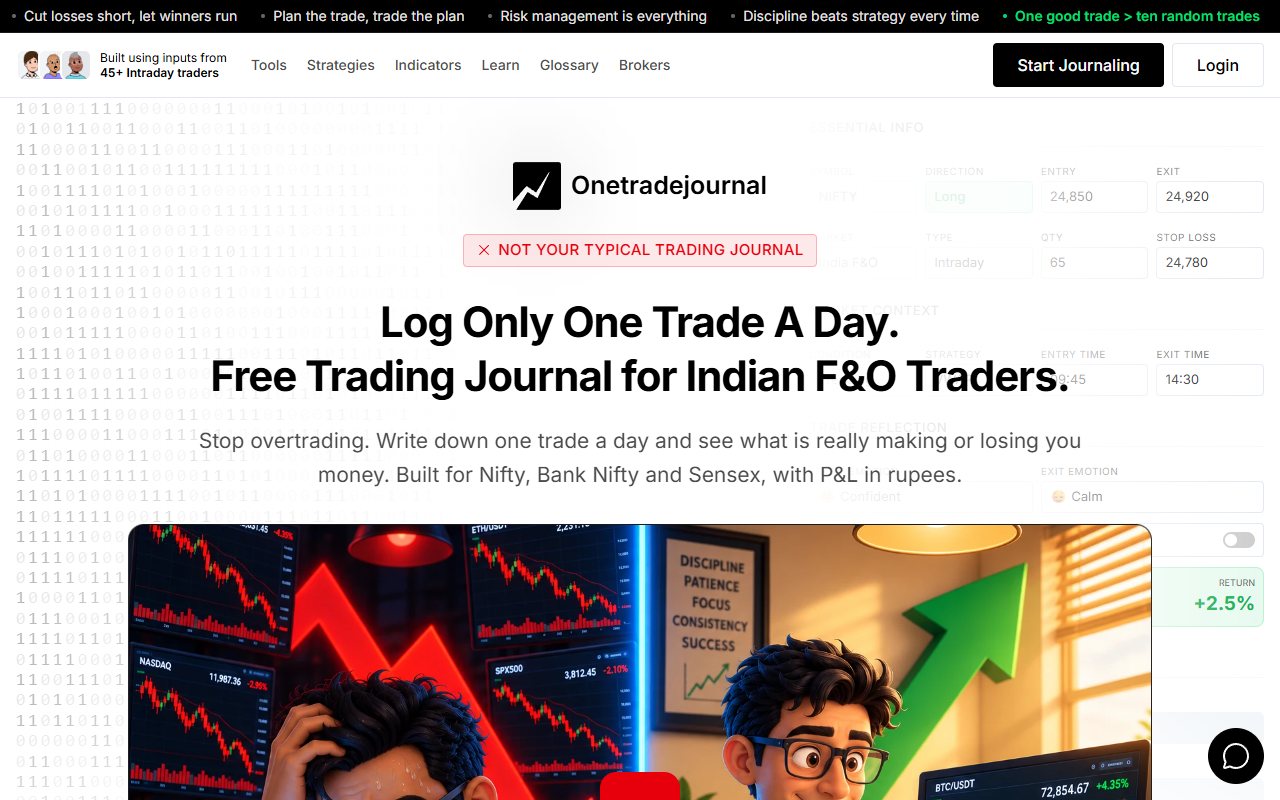
Make the daily note clearer than bad trade
A price row can be complete while its note says only bad trade. A week later, you may not remember whether you chased the entry or followed a planned stop. OneTradeJournal, or OTJ, is built around writing one daily trade so the personal reason stays visible. Save the plan, the entry and exit feelings, and any impulse or rule change. The aim is to build discipline, reduce overtrading and avoid repeating costly mistakes. It cannot stop broker orders or enforce a cash loss limit. One planned trade can still lose. Free OTJ permits one saved trade per day per market. Paid plans allow extra entries. The daily focus is a reflection habit, not a reason to hide additional real trades or call one selected entry the whole account. The Dhanith article offers a free Excel workbook for Indian retail traders. A workbook is a file made of spreadsheet sheets. Its Trade Notes column can hold the same personal reason. It is separate from the Dhan broker's Trader's Diary and is not a broker-sync web service. OTJ starts with a form and known emotion questions; the workbook starts with rows you fill yourself. A careful spreadsheet routine can also support psychology. Choose the format you will open each day and complete honestly. We reviewed the public description, without downloading the file or running formulas. Published sheets and prepared rows are not a test of software fit, option handling or row capacity. Those checks stay clear below. ## Write the feeling that the result cannot explain
Imagine a made-up Indian stock trade. The trader fills the symbol, entry, exit and quantity in a row. The note says bad trade. A week later, the trader cannot remember whether the entry was early, the size was too large or the exit followed the plan. The workbook article lists Trade Notes, so it has a place for an explanation. That column can also hold feelings and plan changes. A careful user can write the reason in a note, or inspect whether the file can be changed to suit a chosen format. OTJ gives those details separate prompts. It has entry and exit feelings, confidence, stress, mistakes, an impulse reason and a change from the plan. The fields can help if your open notes often leave out the same part of the story. For the made-up trade, the entry note might say fear of missing the move. The plan note might say entered before the written condition. The exit note might say left after the planned stop was reached. These are example notes, not a customer's results or advice about a stock. ## Keep the daily writing short and honest
OTJ's daily questions can reduce the need to design a review row yourself. Its ordinary behaviour analytics are free and compare saved feelings and habits with results. You can save the trade and its reasons in the same form. This is a specific reason to consider OTJ when a spreadsheet note keeps becoming too brief. That does not make every spreadsheet user careless. A well-kept workbook may have enough notes and clear categories to answer the same questions. It may also be the format that the trader opens most often. Try the same trade in both places. Can you finish the record without guessing the original plan? Can you find the reason a week later? Can you compare it with a similar trade without rewriting the lesson? The better fit may be the simpler routine for you. OTJ adds a form and a web account. The workbook adds file and formula care. Both still need accurate input. Neither knows why you entered unless you record it. ## What Dhanith says is inside the file
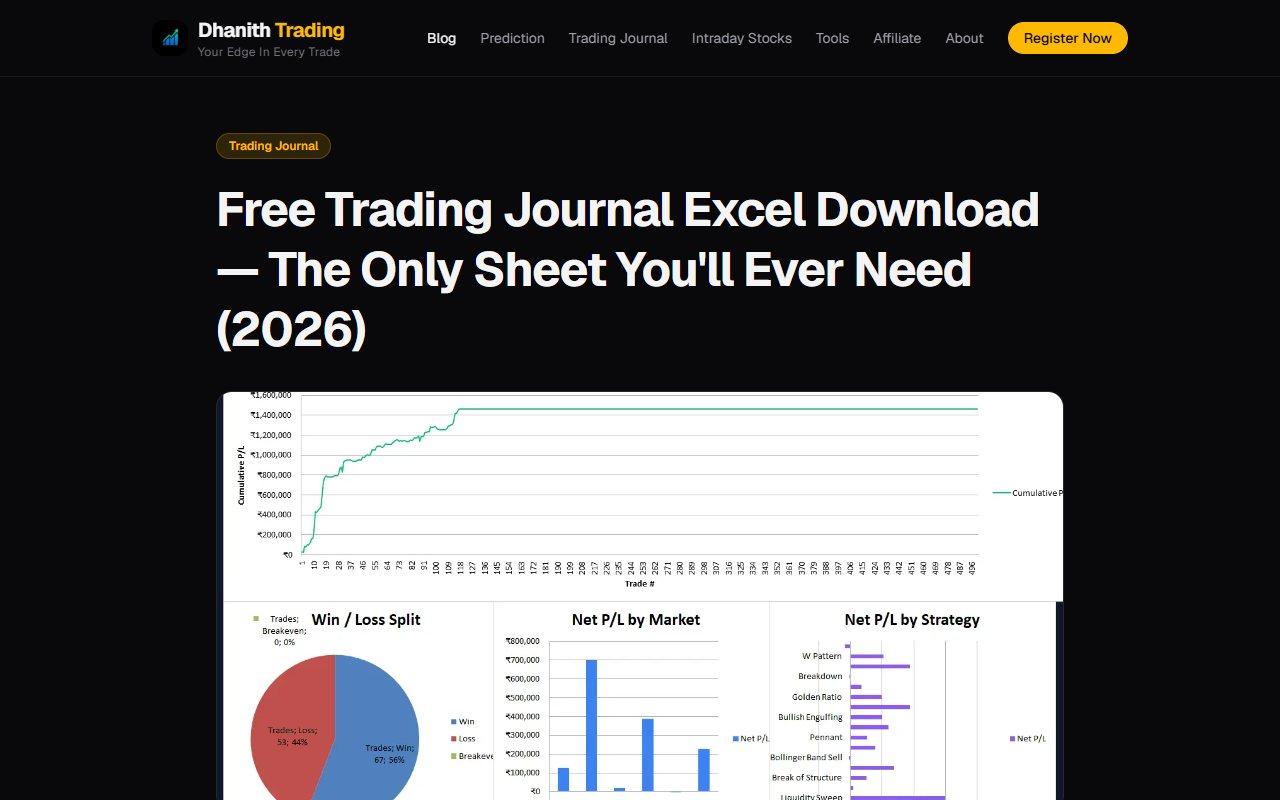
The article describes four sheets: a Trade Log, Dashboard, Monthly Report and Setup sheet. It says the workbook has five hundred prepared trade rows. It also describes notes, category lists and reports based on the trade data you enter. That layout has a clear idea. You write trades in the log, and other sheets use that data for reports. The Setup sheet holds lists used by the input columns. The Monthly Report helps you review dates over time. Five hundred prepared rows is not the same as unlimited tested capacity. We did not check what happens when those rows are full or if you copy a formula to more rows. The article says you can copy the last formula row downward to extend it. That is a published instruction, not a tested capacity claim. The article offers the workbook at no charge. That does not mean the spreadsheet software is free. Check whether your own Excel version or another spreadsheet app can open and use the file. The FAQ recommends Excel 2016 or later and warns that Google Sheets may change some formatting. We did not test either program. ## A free file can be the right choice
If you already know spreadsheets, a file may be simple to maintain. You can see entries as rows and keep your own copy. A journal subscription may add little value if the workbook already captures the trade and the lesson. OTJ should not be described as cheaper than a free journal file. Its continuing free plan is limited to one new trade a day per market. If you save several Indian-market trades on the same day, more entries require paid access. The workbook's published prepared rows may fit a small history without that daily app limit. The file description does not describe a monthly journal subscription. Still, check the download, software needs and row capacity instead of assuming there are no practical costs. Choose the workbook because you like the routine, not simply because a file has a dashboard. A report is useful only when the source rows are complete and correct. A free tool that you do not maintain is not a record of your trading. ## Formulas do not check that the inputs are true
The Dhanith article describes calculated profit and loss, risk and result reports. That is useful as a published feature. We have not tested the formulas or checked the values produced by the file. A formula can calculate from a wrong entry price just as easily as a right one. A missing fee can also make a result look better. Keep actual broker numbers beside the row and check a few simple entries before relying on the report. Be careful about input cells and formula cells. The article describes places for manual data and places that fill from it. We are not giving a tested editing method here. Inspect the instructions in the file you receive before changing cells. OTJ also calculates from entered data. It does not read your broker history to check for omitted trades. If you type the wrong quantity or leave out a loss, the saved report may be wrong or incomplete. An app does not remove the need to check the source record. ## Check the sample before judging the whole account
Suppose a trader saves only the trades that were easy to explain. Those records can still support a review of that group. They cannot support a claim about all the trades in the account. In a workbook, look for missing dates or rows before reading a month total. In OTJ, check whether the saved entries cover the broker history you want to review. The free daily limit is especially important if you make many Indian-market trades. OTJ offers a trade calendar, profit and loss and a chart of saved results. It also supports strategy and time reviews. Risk-based measures need valid planned-stop details. A stop invented after the result is known is not the plan you actually followed. For either tool, be clear about the sample. Record what is missing rather than treating a complete-looking dashboard as proof of a complete history. Broker statements remain the reference for actual trades and charges. ## Indian option details need checking too
The workbook article is written for Indian retail traders and describes several market categories. That does not prove that every option contract or charge rule is fully handled by the file. We did not test expiry, strike or lot-size behaviour. OTJ has manual Indian stock and F&O fields. F&O means futures and options. Option records can include strike, type, expiry and quantity. Lot hints and estimated charges are aids to entry, not a promise that every field or fee is correct. For a made-up option record, keep the actual contract beside the row or form. Make sure a stock or index price has not been used as an option price. Check quantity against the broker record rather than trusting a hint without reading it. Do not use either journal as certified tax software. We are not verifying the workbook's charges or a tax filing. OTJ also gives estimates, not a contract note. When totals differ, check the trades, dates and costs included before drawing a conclusion. ## Think about the file copy you will keep
A workbook is a file you need to manage. The provider's description does not tell us exactly how you will store your own copy. You may choose a device or a cloud file service. We are not claiming that all use is offline or that files are automatically backed up. Keep a readable copy before making major edits. Check which version has the latest trades. If you change categories, rows or formulas, make sure you can still understand the reports. We have not tested recovery from a damaged or changed file. OTJ saves records in the app and offers CSV, JSON and TXT exports. Those exports can preserve the entries you wrote. They do not recreate a broker archive or import an old Excel history into OTJ. A free download is not proof of better privacy. A web app is not proof of better security either. This comparison does not audit either system. Choose storage and backup with an understanding of the record you would need if you lost access. ## Paid AI is a different kind of help
OTJ's paid Ask Your Journal and Trading Mentor can help you ask about entered records or a supplied chart picture. Use has limits, and the answers can be wrong. It cannot know the private reason behind a trade you did not log. The Dhanith article describes a workbook with rows, notes and reports. It does not establish an equivalent in-file AI coach. That does not mean no other Dhanith product or outside tool offers AI. We are comparing this published workbook, not every product on the website. If you want AI help, first decide what question it should answer. A clear note about an early entry may be enough for your own review. Paying for an AI feature is not useful if the record remains too thin to support the question. Do not upload a full history somewhere only because a file can be read by a model. Check the service and what data you are sharing. This page has not tested outside AI use, security or any result from using the workbook with another tool. ## Compare paid value without hiding the free alternative
OTJ's India prices are ₹499 for one month, ₹1,299 for three months and ₹3,499 for a year. Paid access adds more manual entries, with AI and voice tools subject to usage limits. There is no broker import on a paid plan. The Dhanith workbook is advertised as free. We are not turning an unknown spreadsheet software cost into a journal fee. If you already have compatible software and the file meets your needs, there may be no reason to buy OTJ. OTJ may be worth considering when its prompts make your review easier to finish and revisit. That is a benefit to test with a real note, not a claim of financial gain. The feature should solve an actual problem in your current routine. Choose the workbook if you will keep a daily row and honest notes in your own file. Choose OTJ if you want one daily trade with separate questions about the emotion and broken plan. Read the note again before repeating a chase or unplanned recovery entry. Keep the complete broker record either way; neither tool promises profit.
Sources and limits
We checked these public product pages and OneTradeJournal’s current product on 12 October 2026. We did not test a private Dhanith Trading Journal account, broker import, payment or AI answer. Check current plans and limits before paying.
- Dhanith free workbook, sheets and prepared rows · Checked 12 October 2026
A journal cannot promise trading profits. AI answers and fee estimates can be wrong. Check trades and charges against broker records. This page does not give trading, investment or tax advice. Competitor names and website pictures do not imply a partnership or endorsement. Any example is an explanation, not a private account screenshot or a real customer result.