The detailed comparison
A closer look at the daily routine, the tools and the limits of each product.
Choose a section
Give the missed move a written reason before the next entry
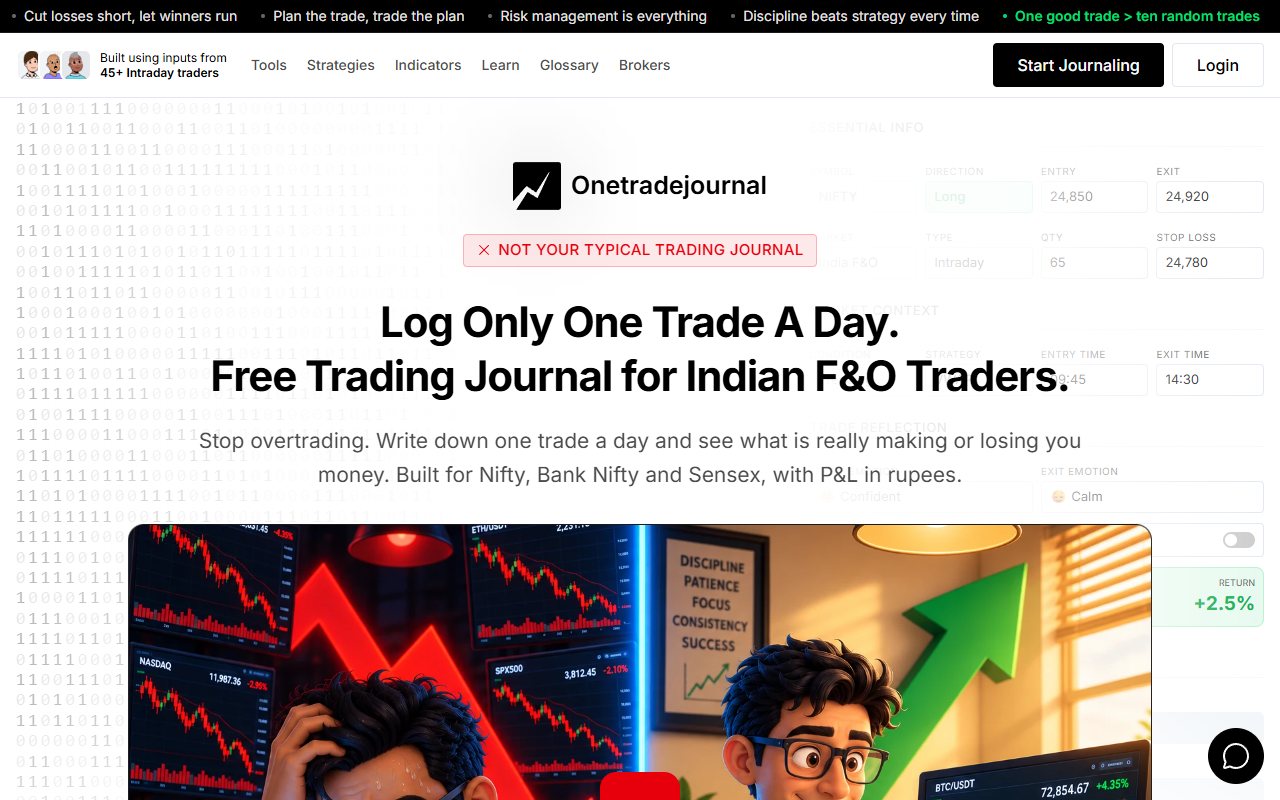
Missing a Nifty move can leave you frustrated. The third or fourth attempt may feel necessary even when no new setup has appeared. OneTradeJournal's daily habit is a place to write that moment honestly: one actual trade, the intended condition and the feeling behind the action. Manual entry is deliberate. The form separates entry and exit feelings, confidence, stress, impulses and changes to the plan. Ordinary behaviour analytics are free. The aim is to notice repeated rushed choices, not to assume a high count proves overtrading or that one trade a day guarantees a safe result. Trade Trackr already supports a writing and psychology routine. Its About page promotes trade reasons, emotional state and emotion tags. The free log is unlimited and includes notes, stops and targets. That is a real advantage when you want every trade recorded without paying for entry capacity. OTJ's daily focus is different from the free limit. Free permits one trade per day per market; paid plans allow extra entries. You can focus a review on one decision while keeping all actual activity in the broker record. Do not force a daily order or hide the later entries. Choose OTJ when its named daily questions and free behaviour reading make that reflection easier to repeat. Choose Trade Trackr when its notes and wider free capacity fit your routine better. Both need the personal reason from you. ## Name the frustration more clearly than nervous
Trade Trackr's About page describes emotional state, trade reasons and emotion tags. Its support page confirms notes for thoughts, strategy and observations. It already gives users ways to preserve context. OTJ gives named fields for several parts of that context. Entry feelings and exit feelings are separate. Stress, confidence, satisfaction and changes to the plan also have their own places. That may help if your usual note says only “nervous.” Were you nervous before entry, while holding, or when leaving? Did you enter late, increase quantity or leave early? Those are different decisions. Trade Trackr's notes may already let you answer the same questions well. The public pages do not confirm exact matches for every OTJ field. We do not claim those explanations are impossible there. A useful form asks questions you will answer honestly. More fields are not helpful if you rush through them. Try describing an ordinary winning trade as carefully as a loss before deciding which routine works better. ## Four Groww trades, with two different reasons
Consider a made-up Nifty options session through Groww. The first two trades meet the written setup. The next two are hurried re-entries after a missed move. Some may win and some may lose. A complete manual log should include all four. Trade Trackr's free entry capacity allows that. Notes can explain which entries followed a setup and which followed frustration. OTJ's free same-market daily limit cannot represent all four as separate entries. A paid OTJ account can. Its strategy, planned stop, feelings and change-to-plan prompts can keep the reasons in a repeated structure. The useful review question is not simply whether the last two lost. Ask whether they had a fresh setup. An impulsive win remains evidence of an impulsive choice; a planned loss can still follow the process. Use the same labels for similar actions. If “re-entry” sometimes means a new planned setup and sometimes means trying to recover a loss, add a reason. Otherwise the label joins unlike decisions. Neither product can prevent the broker order. The value comes from the record and the later review. Choose the routine that captures the whole sequence with enough detail to understand it. ## A selected trade is not the whole account
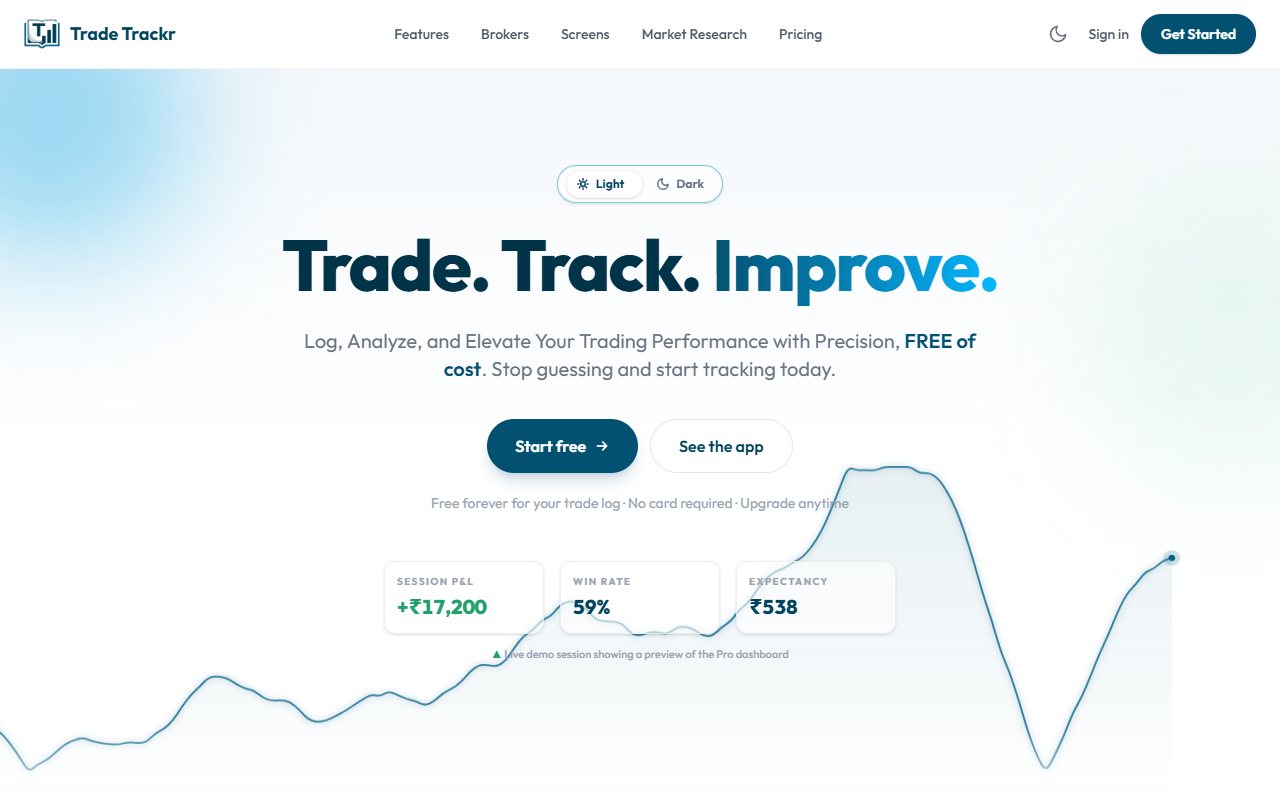
A daily limit changes the scope of the record. Suppose you take four Nifty trades and put one into a free OTJ account. That one entry may be useful for testing the form. It does not describe the whole session. Choosing only the best trade can hide rushed re-entries. Choosing only the worst can make the day look worse than it was. Neither sample should support an account-wide win rate or a conclusion about all your habits. Trade Trackr's unlimited free logging offers a practical advantage here. You can record each trade manually without paying just for entry capacity. Its homepage keeps the advanced dashboard and other analysis in paid plans. OTJ paid access permits more entries. That makes a fuller record possible, but you still need to type or check the details. Paying does not ensure completeness. For either service, compare the count with the broker history. A small missing trade can matter to the sequence even if its profit or loss is minor. The question is whether the history represents what you actually did. ## Current sync and old history are different promises
Trade Trackr advertises paid broker sync for Zerodha, Groww, FYERS, Dhan, Upstox and Angel One. The homepage FAQ separately says historical broker sync and custom CSV or Excel imports are not available yet. Keep those statements separate. A current broker connection does not prove years of older history will appear. If backfilling is your first task, the stated planned feature matters. We did not connect any broker or check an account's imports. The named brokers are public product claims. Check the contracts, prices, dates and quantity in a small sample before trusting the full analysis. OTJ has neither current broker sync nor historical-file import. Paid access does not change that. Voice fill can help populate a manual form; it still needs checking. For frequent executions, Trade Trackr's advertised sync may save meaningful work. It can be followed by honest notes. OTJ keeps writing the daily trade itself as the reflection step. Neither method reconstructs a private intention from imported prices, and neither is useful if the reason is never recorded. ## Can you leave with a useful copy? Trade Trackr's support FAQ currently says trading-data export is unavailable and planned. It gives a future intention, not a confirmed release date. The private app was not tested. OTJ exports logged trades as CSV, JSON and TXT. CSV is a table file, JSON keeps structured fields, and TXT is plain text. These can preserve the details you entered for later review. This is a specific OTJ reason to consider if keeping a long-term copy matters. It does not prove that another journal can import the files. OTJ itself has no supported bulk-import route. Before building a large history, inspect how you can retrieve it. Check the note, strategy, feelings and contract details, not just the profit column. A saved copy that loses the reasons may not meet your purpose. Keep broker statements separately. The journal holds your review and explanations. The broker holds the original money records. You may need both long after you stop using a dashboard. ## Costs and counts need context
Trade Trackr advertises automatic fee calculations. OTJ estimates Indian brokerage and other charges. Neither calculation was checked against a real contract note for this comparison. Gross result is before costs. Net result is after the costs included. Before comparing dashboards, match the date range, trades, grouping and cost types. A different total is not automatically a calculation error. Imagine several small option gains on one day. Charges may change the net result. That is a financial question. Whether the repeated entries followed a plan is a separate question that needs the notes. A high trade count alone does not prove overtrading. The word means taking more trades than your plan or reasons support. You need the plan to decide that, not only a number. Use the broker's original figures for financial checks. OTJ's expiry picker and lot hints are entry aids. They do not guarantee the right contract or quantity, and they do not replace official statements. ## Compare the full billed amounts
Trade Trackr lists ₹249 per month, ₹599 billed every six months and ₹999 per year. Paid plans include sync and additional analysis. Compare those whole amounts rather than only a rounded monthly equivalent. OTJ's India prices are ₹499 per month, ₹1,299 for three months and ₹3,499 per year. The periods are not all the same. In particular, Trade Trackr's ₹599 covers six months, while OTJ's ₹1,299 covers three. These public prices favor Trade Trackr on cost. We do not claim OTJ is cheaper. We also did not test payment, renewal or cancellation in either service. The reason to pay more for OTJ needs to be specific. Perhaps separate confidence and impulse fields make your review clearer. Perhaps voice fill makes manual notes easier to finish. Those are possible workflow benefits, not guaranteed results. Time has value too. A lower-priced service that brings in your executions may save more work. A manual service may still fit if writing the reason is the part you need help making consistent. ## Read the recorded feeling before an AI suggestion
Free OTJ behaviour analytics let you read the emotions, stress, confidence and habits in saved entries. These ordinary views do not require paid AI access. OTJ's paid Ask Your Journal and Trading Mentor can help review logged context or a supplied chart image. Use limits apply. AI can misunderstand a record and cannot see trades that are missing. The Trade Trackr pages reviewed do not settle every AI feature or plan allowance. We leave that point open rather than claiming that it has no AI. Its published notes and analysis are already useful features to compare. OTJ has charts of logged results by strategy and time, along with win rate and losses from a peak. These describe the sample entered. Missing trades or guessed times can change the meaning. Results measured against a planned stop need a valid stop. OTJ's exit-efficiency measure uses the recorded target. It is not a record of every favorable or unfavorable market price during the trade. OTJ flags possible revenge entries, size spikes and too many trades using simple rules. They suggest a closer review. They do not diagnose you, block orders or enforce your plan at the broker. ## Choose the reflection habit you will keep
Start with a trade already taken. Record the setup, the actual action and how the missed move affected you. If you entered again without a new condition, keep that reason visible even if the result was positive. At the next review, read the note with other examples rather than calling every later entry a mistake. OTJ fits when deliberate daily writing and its named prompts help you recognise repeated urges. Free behaviour analytics support the reading, and its exports can preserve the record. Free allows one trade per day per market, while paid access permits more. The ordinary psychology tools are not the reason you must buy AI. Trade Trackr deserves credit for unlimited free logging, notes and promoted emotional context. Its lower published paid totals and current-sync offer can make a fuller record more practical. Confirm the precise broker fields and keep historical-import and export promises separate from current features. Whichever journal you choose, keep all actual trades in the financial evidence. A selected OTJ entry is a focused reflection, not the entire four-trade Groww session. Do not turn that focus into a claim about the full account's win rate. The purpose is to notice what drove the next rushed attempt and make it a question you return to. Neither journal blocks the broker order, guarantees a loss cap or promises that fewer entries will be profitable.
Sources and limits
We checked these public product pages and OneTradeJournal’s current product on 12 October 2026. We did not test a private Trade Trackr account, broker import, payment or AI answer. Check current plans and limits before paying.
- Trade Trackr plans and sync · Checked 12 October 2026
- Trade Trackr support · Checked 12 October 2026
- Trade Trackr notes and feelings · Checked 12 October 2026
- OTJ journal features · Checked 12 October 2026
- OTJ paid plans · Checked 12 October 2026
A journal cannot promise trading profits. AI answers and fee estimates can be wrong. Check trades and charges against broker records. This page does not give trading, investment or tax advice. Competitor names and website pictures do not imply a partnership or endorsement. Any example is an explanation, not a private account screenshot or a real customer result.