The detailed comparison
A closer look at the daily routine, the tools and the limits of each product.
Choose a section
Write the daily reason the contract note cannot contain
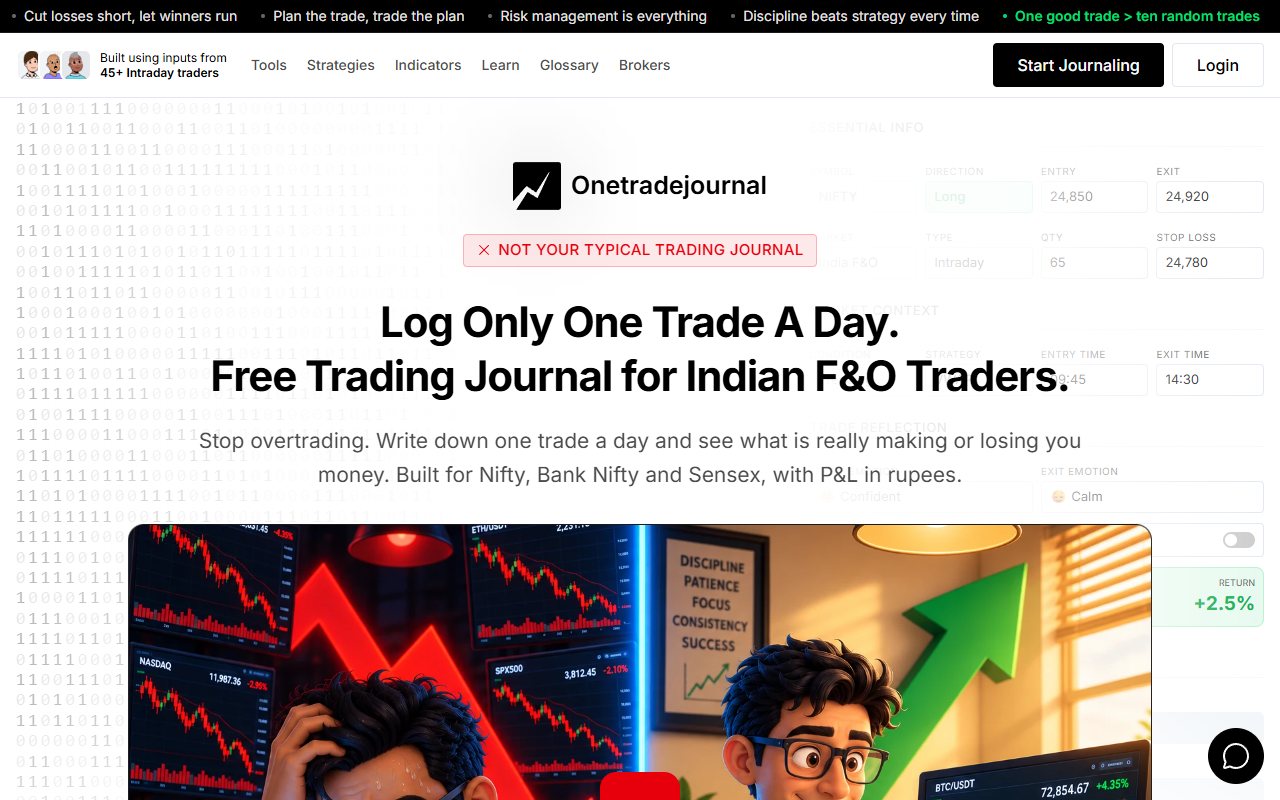
A contract note can show the Nifty trade and its charges. It cannot state why you moved the stop or kept entering because you wanted to finish green. OneTradeJournal is built around one daily trade you write yourself, with that personal reason and emotion beside the result. The aim is to build discipline, reduce overtrading and avoid repeating costly mistakes. Write the original risk and any change while the memory is fresh. It does not promise an exact avoided loss, control broker orders or enforce a cash loss limit. Free OTJ permits one saved trade per day per market. Paid plans allow extra entries. The daily focus is a habit, not a reason to hide real follow-up trades or call one selected note the whole account. Earlier readable Traders Journal copy describes contract-note parsing, fee breakdowns and PDF uploads. Parsing means reading a document into fields. Its earlier IIFL guide names shares and F&O with several brokers. Current access was not confirmed. Current note and psychology features are unknown too. OTJ starts with manual Indian futures and options writing. Futures and options, or F&O, are contracts linked to a share, index or other asset. There is no contract-note parser, CSV import or broker sync in OTJ. The live sources failed during the 12 October check. Older official search copy is labelled as earlier evidence, and source dates remain 11 October. We did not test parsing, permissions or an account. The unavailable website image remains unavailable. The article separates the known OTJ habit from the rival's earlier offer. ## Keep the daily feeling beside the original stop
Imagine a made-up Nifty option trade entered after a planned setup. At first, the position behaves normally. After a losing candle, the trader changes the stop, then exits in frustration. The broker document can show fills and costs. It cannot explain the pressure that led to the changes. OTJ has separate entry and exit feelings. It also has stress, confidence, impulse reason, satisfaction and mistake fields. You can write the strategy, notes and changes from the plan. You can record the original stop and target beside those details, then compare the trade with later sessions. Write the explanation while it is fresh. “Moved stop after the second red candle because I did not want another loss” is more useful than “bad discipline.” The first statement names a choice and a trigger you can examine. In another made-up Bank Nifty trade, a loss may still follow the plan exactly. Record that too. If you record only rule breaks, you lose the records of ordinary planned losses. A profitable rule break also deserves an honest note. OTJ helps this reader build a daily writing habit with a clear reason for the changed stop. The result stays beside the original plan and feelings. The older Traders Journal text did not show the same set of reason fields. We do not know if they exist now. If your main task is matching fees with a contract note, that gap may not matter. If your main task is understanding repeated stop changes, check current reason fields before relying on a parser as your only journal. ## A useful result is more than a gross P&L number
Consider a made-up same-day share trader with several small winning trades. The broker document shows trade values and charges. A gain before costs can look different from the result after costs. A tool that reads contract notes may save typing. It may also help you review each charge. The earlier Traders Journal offer aimed to help with this task. OTJ's manual form cannot claim the same ease. OTJ includes estimates for brokerage and other Indian trading charges. These estimates support review of trading costs, but the broker's contract note remains the financial reference. A number on a dashboard is still an estimate unless you have checked it. After matching the money figures, ask why the trade happened. Did the trader have a clear setup, or keep taking small trades because the screen felt quiet? Was the final entry planned, or an attempt to reach a daily profit target? A correct result after costs and an honest reason work together. You need both records. If you need to keep trade numbers up to date, check the parser when access returns. If you already have the numbers, OTJ can help you write the missing reason. ## Automatic arrival still needs a check
The previously read Traders Journal terms warned of extraction errors when file formats or systems change. We could not re-read those terms live today. Check the current terms and any imported values yourself. Any tool that reads files needs this check. Imagine a made-up F&O session with several fills in one contract. Check the contract note before trusting the total. Compare quantities, prices, charges and the full day. Also check how the app groups completed trades. A document can contain many fills while you think of one trade idea. A fill is one completed part of an order. A win rate based on fills can differ from one based on closed trades. The older public text does not explain all grouping rules. In OTJ, you create the entry and choose what it represents. You can describe the decision, but you must check what you type. Record the same type of trade in the same way each week. A change in entry method may look like a trading pattern. Keep the original broker document. Compare a few familiar days when you start. This can help you notice errors. This is practical record checking, not a claim that either journal audits the broker. If you need financial records with less typing, a working parser has a clear purpose. We have not confirmed this parser is available now. If you want each entry to preserve the original plan and what changed, the manual form has a different purpose. ## Forwarding an email and connecting an inbox are different
The older homepage copy describes forwarding selected contract-note emails and connecting email accounts. Older indexed privacy text says connected Gmail is read-only and limited to contract notes. These current permissions were not checked. These are earlier published statements, not a security test. In a made-up example, the trader needs to check which method is set up. A forwarding filter sends selected messages. A connected account asks for access. Read the permissions shown on screen and follow the method's steps. If you do not want an email connection, check whether the earlier advertised PDF-upload route is currently available. A working file route could still reduce entry work, though someone must provide the document. OTJ does not need broker credentials or an inbox connection because you enter the trade yourself. You type the trades, so that access is not needed. This does not prove that OTJ is safer. You still need to protect the journal account. The older privacy copy describes keeping trade data while the account is active. The older homepage table instead labels Free retention as seven days. That older text does not make it clear which records you can keep and view. Confirm whether old records stay stored, visible or exportable. A seven-day dashboard alone does not prove data is deleted. Choose an entry method you can keep using. A connection you never finish setting up will not create a useful record. A manual journal you regularly forget to fill will have the same practical problem. ## Two different meanings of an alert
Older homepage copy advertises fee-difference alerts, including an AI-related Pro feature. Current access was not confirmed. That offer concerns trade costs. It does not settle whether there is a journal chat mentor. A charge alert is a reason to check the amount. Does it match the document and your broker plan? The alert alone does not prove an overcharge or a right to a refund. OTJ's free behaviour analytics compare saved emotions and habits with results. Its behavioural flags raise different questions. A size spike, rapid entry after a loss or unusually frequent trading can be worth reviewing. The flag is a rough check on entered data. It is not a diagnosis and cannot stop a broker order. Suppose a made-up trader follows a written plan to use more size when certain checks are met. A size alert may appear, but the notes can explain why. Now suppose the same size increase follows an angry loss with no setup. The numbers look similar, but the reason is different. OTJ's paid Ask Your Journal, Trading Mentor, chart screenshot analysis and pattern feedback can help explore these records. OTJ's AI and voice use paid access with limits. AI answers can be wrong. They do not know trades you never entered. The useful next step is to inspect entries and choose one action to check in the next session. A charge alert and a behavioral review can both be useful. Choose based on which question you need answered instead of treating the word AI as a complete feature description. ## Current price and access remain unknown
Older indexed IIFL FAQ copy lists one broker and a seven-day dashboard on Free, and Pro at ₹299 monthly or ₹2,499 yearly. These are old published offers. We could not confirm them today. The older homepage calls those prices a limited offer. Check what you would pay now. OTJ's India plans are ₹499 monthly, ₹1,299 quarterly and ₹3,499 yearly. At that earlier offer, Traders Journal's monthly and yearly amounts were both lower than OTJ's current prices. Today's payable amount is unknown. OTJ has no basis for claiming a general price advantage here. OTJ's ongoing Free plan is capped at one trade per day per market. That is an entry cap, while the older offer describes a time limit on the dashboard. If you trade several times a day, you need paid OTJ to keep all those entries in one market. Check the limit you would reach first if those old terms still apply. A person who trades less may value a free daily note. A busy trader may prefer file entry. Check if viewing a longer history needs payment. The older homepage also promotes tax-related reports. The previously read terms said it does not give tax advice and users remain responsible for filing. We could not confirm the current terms. This comparison does not approve a report for tax use. A report label does not prove it is fit for tax filing. OTJ exports also do not prove that. Keep the original broker records and check any report for the task you need. ## Begin the daily habit while checking current access
Choose OTJ when you already have financial records and want to write one daily F&O trade, including the urge behind an unnecessary entry or moved stop. Read that reason before repeating the same mistake. Its fit is the steady personal practice rather than automated fee capture. Consider Traders Journal if the older file-reading offer fits your need. First confirm that you can use it now. Check your broker file, the email or upload method and the price in the account. Begin with one familiar completed day and the trade you found hardest to explain. Check the money against the broker document, then write the real reason and emotion. Keep the daily habit honest even after an impulsive winner. Neither product guarantees profit, and the rival's current access still needs confirmation.
Sources and limits
We checked these public product pages and OneTradeJournal’s current product on 12 October 2026. We did not test a private Traders Journal (tradersjournal.co.in) account, broker import, payment or AI answer. Check current plans and limits before paying.
- Traders Journal earlier homepage copy · Checked 11 October 2026
- Traders Journal earlier IIFL guide · Checked 11 October 2026
- Traders Journal previously read terms · Checked 11 October 2026
- Traders Journal earlier privacy copy · Checked 11 October 2026
- Traders Journal unavailable alternate site · Checked 11 October 2026
A journal cannot promise trading profits. AI answers and fee estimates can be wrong. Check trades and charges against broker records. This page does not give trading, investment or tax advice. Competitor names and website pictures do not imply a partnership or endorsement. Any example is an explanation, not a private account screenshot or a real customer result.