The detailed comparison
A closer look at the daily routine, the tools and the limits of each product.
Choose a section
Turn expiry-day impatience into a daily note
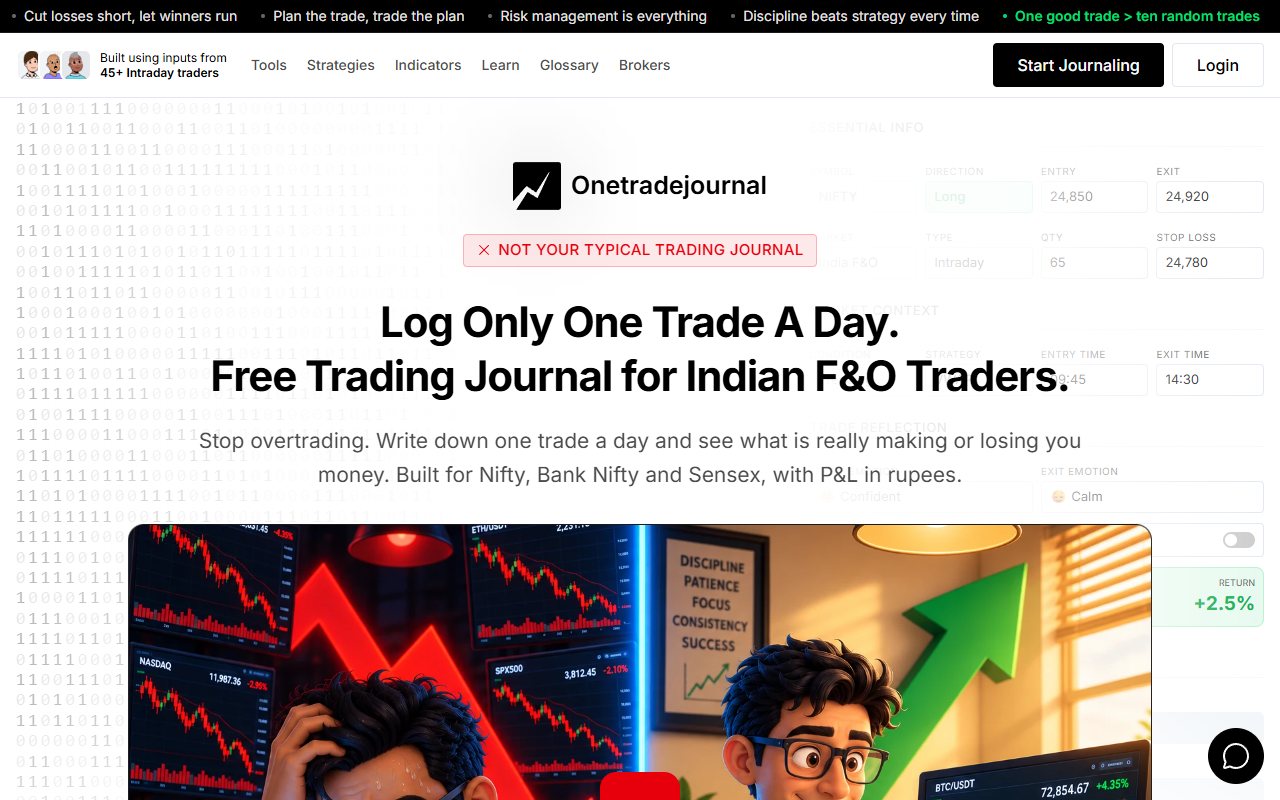
A fast Nifty session can leave you wanting another entry after the planned opportunity has passed. The later result may hide whether impatience drove the order. OneTradeJournal's daily habit asks you to write one actual trade and preserve the reason, plan and feeling before that memory changes. You enter the details yourself on purpose. Separate prompts keep entry and exit feelings, confidence, stress, impulses and changed rules clear. Free behaviour analytics help you return to repeated urges. The aim is to recognise costly habits, not to treat a busy market as proof that every extra trade was wrong. Tradezeit also promotes daily journaling. Its official site offers day notes, trade notes, setup and mistake tags after broker-file imports. That can support a thoughtful Android routine. Its flexible notes deserve credit; daily reflection is not an OTJ-only idea. The choice is the writing method you will repeat. OTJ makes a manually written trade the centre. Tradezeit can bring in a numerical sequence, then let you add day context and a personal reason. An imported fill alone does not know what you intended, while a fixed form cannot force an honest answer. Free OTJ allows one trade per day per market, and paid plans permit more. The daily focus should not hide other activity or make you place a trade simply to write a note. Keep the original broker record and check today's Tradezeit access before depending on its beta routine. ## Separate the day's mood from the entry reason
Tradezeit describes notes for a whole day and for each trade. This is useful because not every explanation belongs at the same level. The market setting can be shared; the reason for a particular entry may be unique. A day note might describe a planned event or a choppy market. A trade note might say why one entry qualified or why a stop changed. Writing “difficult day” on every trade does not explain those separate choices. OTJ centers each trade. Its strategy, planned stop, target, impulse reason and change-to-plan fields can help keep the specific decision clear. Notes can add facts that a short label cannot express. Suppose you write “bad mood” after losing. That does not tell you whether the mood came before the first order or after the result. OTJ keeps entry and exit feelings separate, which may help preserve that timing. Tradezeit's notes can also explain those stages if you write them clearly. The advantage of a named prompt is a reminder, not proof that a free-text note is weaker. Choose the form that gets the explanation written. ## A made-up Zerodha expiry-day sequence
Imagine a Nifty options trader has two planned trades, then a hurried re-entry during a volatile expiry session. The trader later imports the broker file. This is an illustration, not a tested import or customer result. Tradezeit's published workflow can help organize the numerical sequence. A day note can describe the busy market. A separate trade note can explain the re-entry and whether it had a new setup. In OTJ, the trader enters the contract, expiry, quantity and prices by hand. The original stop and target belong to the plan. Confidence, stress and impulse reason can describe the re-entry separately from the first two trades. A fast market alone does not prove the third entry was a mistake. Ask what trigger allowed it. If there was no fresh reason, record that fact. If a new setup did appear, preserve it too. Keep this distinction even if the hurried trade wins. Otherwise the notes may treat the same behavior differently depending on its result. The journal should describe the decision as well as the outcome. The best routine is the one that captures both parts. Imports save work on numbers. Fresh prompts can save context that will be harder to remember later. ## Use tags with a stable meaning
Tradezeit advertises setup, mistake and custom tags. Tags group records under a short label. They can make review quicker when the same label has the same meaning each time. Take “late entry.” It could mean entering after the planned trigger. It could also mean entering late in the afternoon. Those meanings answer different questions. Add a definition before studying the group. OTJ's strategy and mistake fields need the same care. Do not rename a losing trade after seeing the result just to protect a favored strategy. That would change the sample rather than explain it. Read unusual cases as well as the average. A planned afternoon entry may be valid even if other afternoon entries were rushed. A tag should help find the record, not replace its explanation. OTJ's separate fields may help someone whose labels stay vague. A clear Tradezeit tagging routine may already be enough. This is a writing choice as much as a product choice. ## Indian broker files are a Tradezeit advantage
The broker FAQ names CSV imports from Zerodha, Upstox, Angel One and ICICI Direct. CSV is a table saved as a text file. The same FAQ says automatic broker sync is coming soon. So file imports are advertised today, while continuous sync is planned. Do not turn a broker name into a claim that trades arrive automatically. We did not test a file or connection. A file can help assemble a busy day. Before importing months of trades, compare one known session. Check the number of executions, contract details, quantity and prices. Also check how entries and exits are joined. OTJ has no CSV import or broker sync. Paying for OTJ does not add either. Its paid voice fill helps with manual fields, but it does not read a broker file into a full history. Tradezeit's file route deserves attention for a large old record. OTJ deliberately starts with the actual trade you write today and the feeling you can still explain. You need not reconstruct old motives to begin that habit. Leave old reasons uncertain and preserve new ones honestly. ## Published Android access and closed-beta wording differ
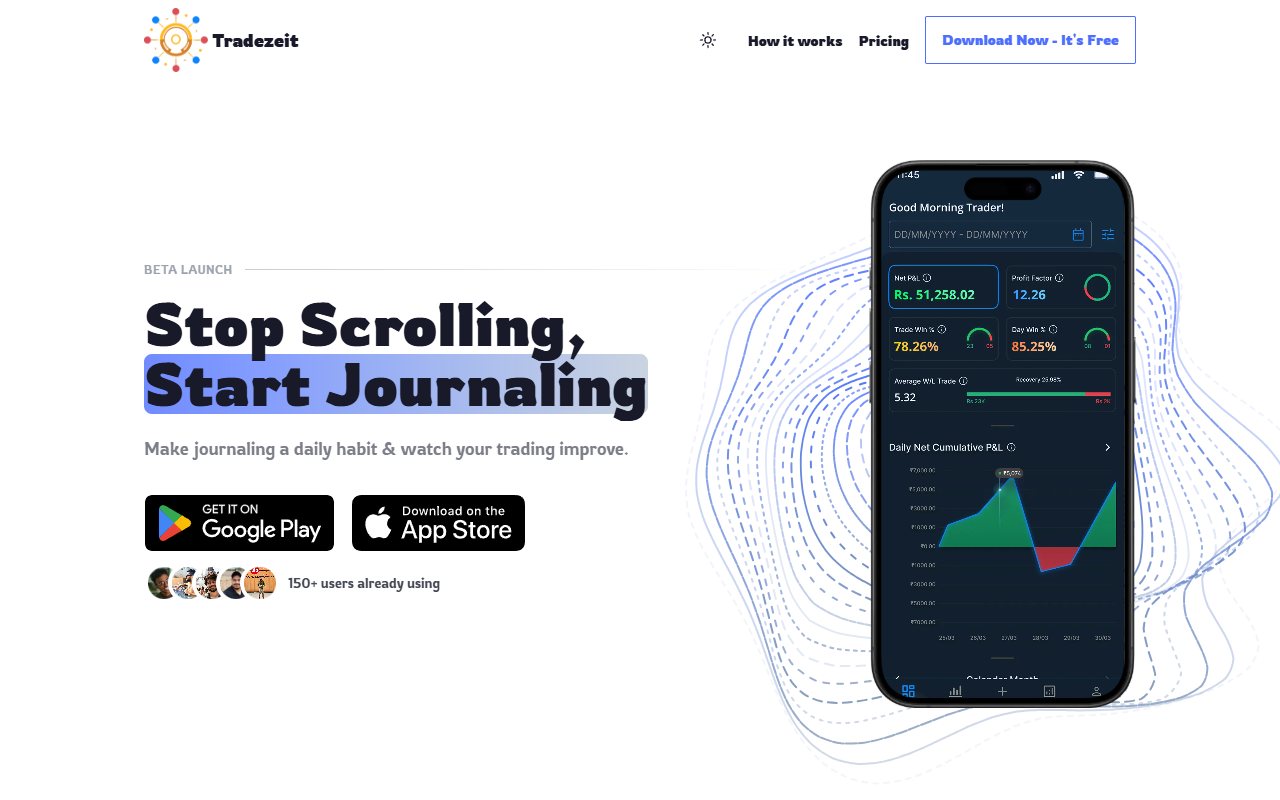
Tradezeit's official download link leads to a Google Play listing. It describes the app and offers installation. That establishes a published Android listing, not merely a future app idea. The website FAQ still says to join a waitlist and Telegram group for closed-beta access. These public messages do not fully settle how a new user gets access today. We did not install the app or create an account. Check the current sign-up process before building your routine around it. A store listing does not prove every person can enter immediately or use every advertised feature. A beta label also does not tell us exactly which parts are restricted. The site says features are free during beta. It says premium features may come later while core journaling stays free. That is the published direction, not a settled list of future prices and limits. OTJ has continuing free access with a daily limit. There is no beta waitlist in the OTJ workflow described here. Its free form can be used to assess the manual method before paying for extra entries. ## Check device and archive needs
The Android listing describes journals, reports and charts. Its release notes mention tutorials, Google sign-in and improved notes. Those are published app details, not features tested on our device. OTJ is an installable web app. You can use it in a browser and add it to a home screen where supported. This page does not claim that OTJ has a public native Android or iPhone app. A trader who reviews mainly on Android may prefer Tradezeit's route. Someone who writes on a laptop and later reads in a browser may prefer OTJ's route. We do not certify Tradezeit's full web or iPhone availability from a website image. Also ask how you will retain the history. OTJ exports logged records as CSV, JSON and TXT. Exact Tradezeit export formats were not established by the reviewed pages. That is an open question, not a claim that export is impossible. Before adding years of notes, inspect the actual options available. A saved copy should contain the reasons you care about, not only money totals. ## Free beta and paid OTJ solve different needs
Tradezeit currently displays ₹0 a month for beta access. Future premium prices are not confirmed. Do not compare OTJ with an invented Tradezeit subscription or treat every beta feature as permanently free. OTJ free access allows one trade a day per market. A busy Indian session with several entries cannot be represented fully as separate entries under that cap. A small sample can still help test whether the prompts are useful. OTJ's paid India plans are ₹499 for a month, ₹1,299 for three months and ₹3,499 for a year. Extra entry capacity and paid tools are reasons to consider them. Imports remain unavailable. Pay only for a clear need. Perhaps separate exit feelings help explain early exits. Perhaps paid voice fill reduces the effort of manual notes. Those are possible benefits of a routine, not promised improvements in returns. Tradezeit's beta may be a useful free evaluation if you can access it. Confirm today's access and terms first. Its stated future core-free direction does not define every later feature cap. ## Read the repeated feeling before a generated answer
OTJ's ordinary behaviour analytics are free. Read saved emotions, stress, confidence, planned or impulsive entries and mistake notes. A few similar labels do not prove why a result occurred. OTJ's charts describe the trades you log. They include strategy and time views, win rate and losses from a peak. A missing trade or guessed time can change the meaning of the results. A result compared with planned risk needs a valid original stop. OTJ's exit-efficiency measure uses the recorded target. It does not rebuild the full history of prices reached during a trade. OTJ does not offer backtesting or market replay. Its paid Ask Your Journal and Trading Mentor can help inspect context or a supplied chart image, with use limits. AI may be wrong. The reviewed Tradezeit pages do not settle all AI features or allowances. We do not infer that it has no AI. Its published file, note and tag tools can already be evaluated on their own merits. OTJ's flags suggest possible revenge entries, size spikes or too many trades using simple rules. They do not diagnose you or stop an order. Use them to find a record, then check the plan and reason. ## Keep the daily writing habit and the full broker facts
Begin with a trade you have already taken. Write the setup you intended, the actual action and how the fast market affected you. If impatience made you enter after the trigger, say that plainly. Use “late” with one clear meaning rather than giving every losing trade the same label. Return to that note with comparable entries next week. Read rushed winners and planned losers too. Free OTJ behaviour analysis can help you find the saved context. It does not diagnose the trader or establish that fewer trades guarantee profit. Tradezeit can support this reflection through day notes, individual notes and custom tags, while its Indian broker files save entry work. The published Android listing and closed-beta website wording still need a current access check. Confirm the routine and the fields you need before making a large archive. OTJ fits when writing one daily trade yourself and answering separate feeling questions helps you keep returning to the reason. Free allows one entry per day per market, while paid plans allow more. Manual writing remains intentional; paid access does not add an import. Whichever method you choose, check contract identity, quantity and charges against the broker record. Keep all actual activity even when the journal focuses on one decision. Your review can help you recognise the repeated urge, but the next order and its risk remain your responsibility.
Sources and limits
We checked these public product pages and OneTradeJournal’s current product on 12 October 2026. We did not test a private Tradezeit account, broker import, payment or AI answer. Check current plans and limits before paying.
- Tradezeit features and beta terms · Checked 12 October 2026
- Tradezeit Android listing · Checked 12 October 2026
- OTJ journal features · Checked 12 October 2026
- OTJ paid plans · Checked 12 October 2026
A journal cannot promise trading profits. AI answers and fee estimates can be wrong. Check trades and charges against broker records. This page does not give trading, investment or tax advice. Competitor names and website pictures do not imply a partnership or endorsement. Any example is an explanation, not a private account screenshot or a real customer result.