The detailed comparison
A closer look at the daily routine, the tools and the limits of each product.
Choose a section
Write what the green day cannot explain
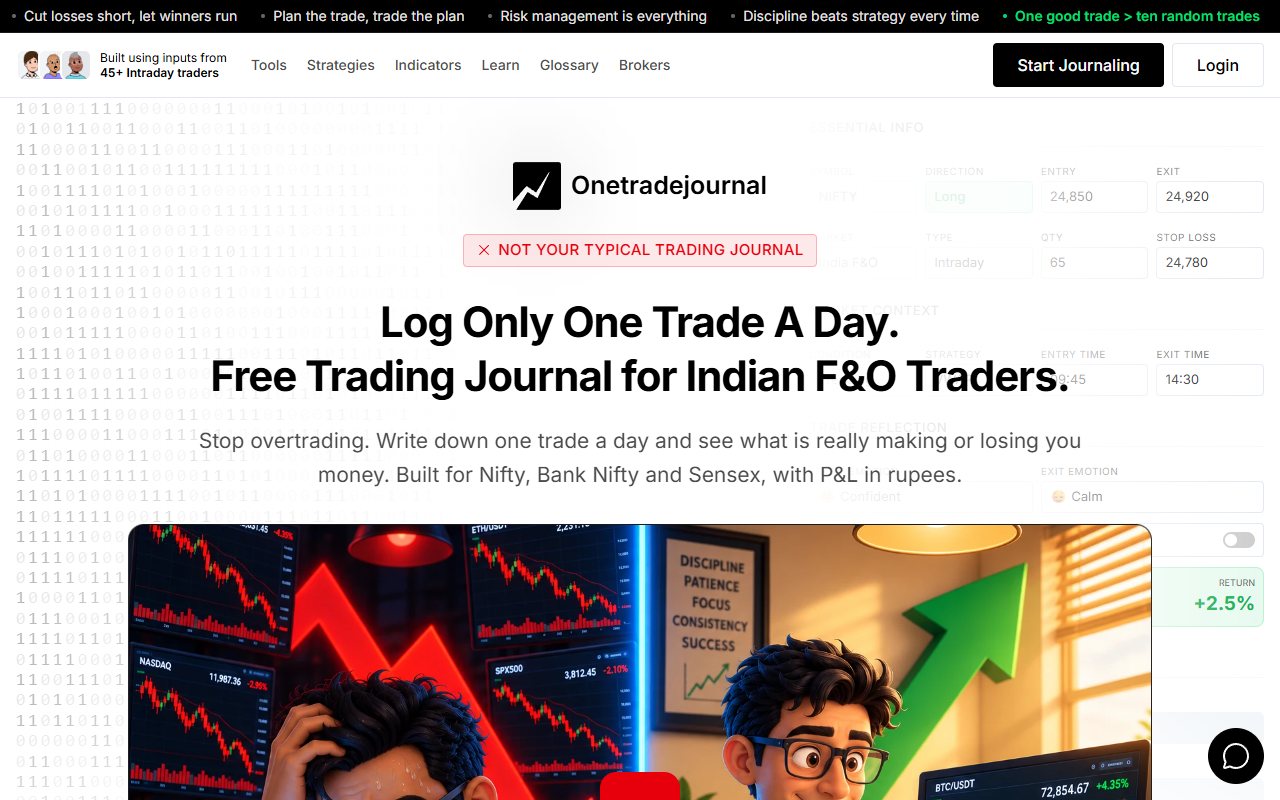
A positive Console tile can hide a trade taken out of frustration. After an earlier loss, you may enter before your setup is ready and still finish in profit. The daily writing habit in OneTradeJournal starts with that decision. Record one planned trade, the reason you acted and the feeling that changed your plan. The aim is to recognise repeated urges and mistakes. Free behaviour analytics can help you compare the feelings and habits in saved entries. They do not make a green result proof of discipline, or a red result proof of failure. They also do not stop a Kite order. Console has its own role in reflection. The official page describes tagging trade reasons as a journal, alongside account reports and charge breakdowns. Those tags can preserve useful context. OTJ adds a deliberate daily form when you want to write the entry and exit feelings separately. This is a comparison of a journal with a broker's account dashboard. OTJ complements Console and Kite. It does not replace your Zerodha account, trading platform, contract notes or tax reports. Keep the full broker record and use the journal to examine the habit behind one decision. ## Read a green day before praising it
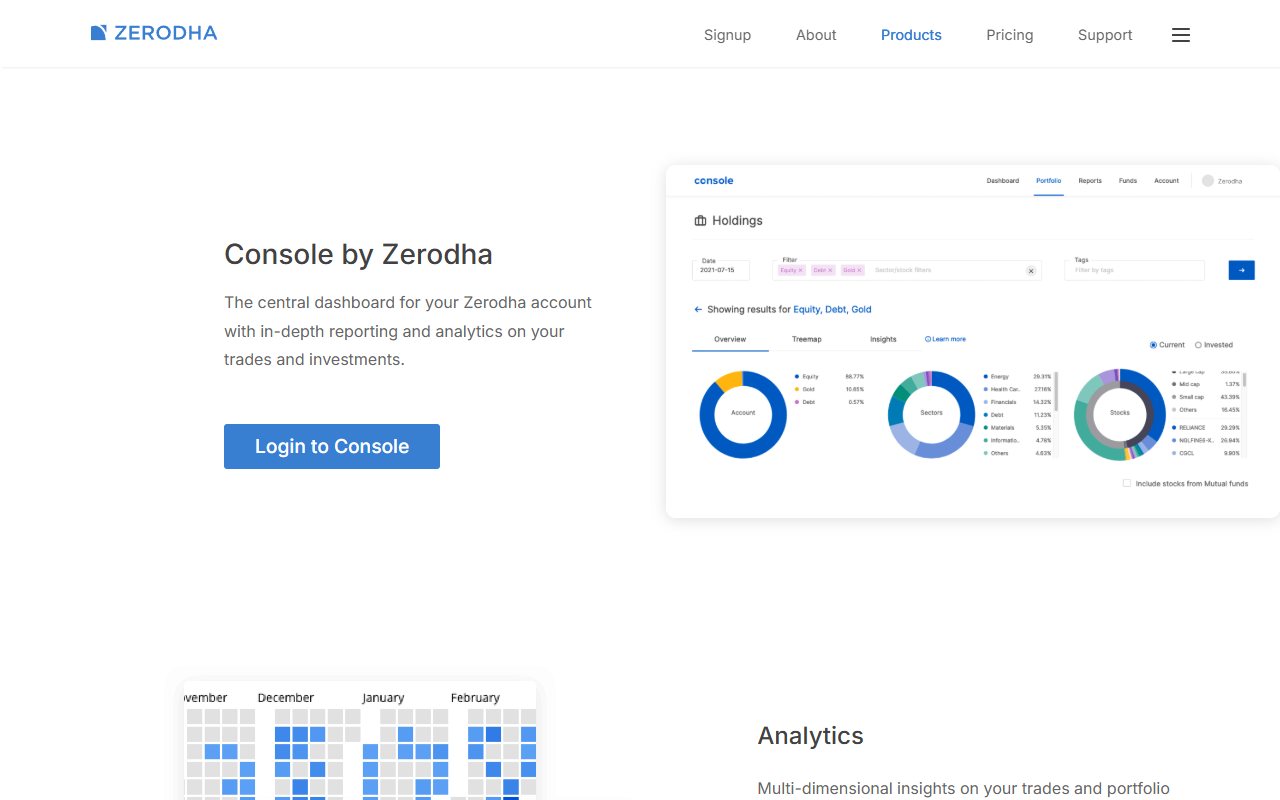
Zerodha's heatmap help page says the daily tiles show gross realised profit and loss. Gross means before charges. Realised means the result from trades that have closed. A green tile is useful, but it does not answer every question. Imagine a made-up Bank Nifty day with three closed trades. The first follows the plan and loses. The second is a hurried attempt to recover the loss and wins. The third follows the plan and ends close to flat. The day finishes positive before costs. The total cannot explain which decision deserves repeating. A trader could mistake the second trade's profit for proof that rushing was sensible. The useful question is whether its entry condition existed before the earlier loss. OTJ can hold the planned stop, target, entry feeling and exit reason. You can mark the second trade as unplanned and state which rule changed. The winning result then sits beside the decision that produced it. The free OTJ plan would not hold all three Indian-market trades separately that day. It allows one trade a day in each market. Paid access permits more entries. If you record only one trade, describe the review as a selected example, not the whole account. Keep Console open for the actual trade record. The journal explains the selected decision. It does not prove that the trader followed the plan simply because a form says so. ## Put a clear reason behind the tag
Zerodha's tagging article describes tags as a way to keep an investment journal and track goals. It shows tag names, colours and descriptions. It also shows filtering holdings by tags. Holdings are investments still owned in the account. A trader can benefit from a clear label too. The current product page describes tagging the reason for a trade. You might use labels such as planned entry or early exit, if that fits the way you review. The weak point can be a label that is too broad. “Emotional trade” could mean fear at entry, impatience at exit or a larger quantity after a loss. Those are different choices. Combining them makes it harder to decide what to change next time. OTJ asks about entry and exit feelings separately. It also keeps confidence, stress, the reason for an unplanned trade and changes from the plan. Those questions can help you name the issue more clearly. Console tags can still do useful work if you choose them with care. This is a choice about the detail you need, not proof that open labels are bad. A thoughtful tag may be more useful than a detailed form filled with guesses. Keep the wording steady during a review. If you use “early exit” for the same issue each time, you can find the related trades more easily. Explain unusual cases in the note rather than forcing every trade into one vague label. ## Notice the urge after the earlier loss
Begin with Console to find a day or contract that needs a closer look. Choose a decision you can explain. Check the broker record before writing the journal entry, especially if your memory of the quantity or exit price is uncertain. Separate new market evidence from a feeling. “The setup failed” is different from “I was afraid of another loss.” Both may belong in the record. Writing one does not make the other unimportant. OTJ's ordinary behaviour analytics are free. Read feelings, stress, confidence and planned or impulsive entries beside the results you recorded. OTJ can show reports by strategy and time for recorded trades. It can also flag possible revenge trades, large size changes or too many trades. Revenge trading means entering mainly to recover a loss. The flags are prompts to look closer. They are not a diagnosis or a control that stops a Kite order. A planned stop can help OTJ compare a result with the risk you recorded. Its exit review uses the target you entered. It does not replay every price the option reached during the trade. Do not read the result as a full history of the market. Paid journal chat or chart-image review may help you form a follow-up question. AI can misunderstand the record and cannot see omitted trades. Check its answer against the entry. No answer establishes a guaranteed profitable choice. ## Write the daily trade with a consistent meaning
OTJ does not connect to Zerodha or import Console's CSV download. CSV is a common spreadsheet file format. You must type the trade details yourself. Paid voice help can fill parts of the form, but you still check the result. Manual writing is deliberate. You pause to describe the plan and the actual action, instead of treating the form as a copied price list. Choose a routine you can keep while the memory is fresh. It should not become a reason to leave out trades when you claim to review the whole account. Several fills can belong to one order. A fill is one completed part of an order. You might also enter a position in stages. Decide how you will describe those actions in the journal before comparing trade counts. For example, do not treat yesterday's two-part entry as one trade and today's similar entry as two trades just because that makes the numbers look better. Use the broker history to check what happened. Keep the journal's grouping rule clear. A common explanation can matter more than a perfect-looking count. If both parts came from the same plan, say that. If the second part was added out of worry, keep that change visible instead of hiding it inside the first entry. OTJ can also hold manually entered trades from other brokers. You can use the same strategy names and questions across those entries. It still depends on what you record. A blank week will not be filled automatically from Console. ## Keep downloads for the right job
The Tradebook guide describes XLSX and CSV downloads. XLSX is an Excel workbook. The guide also lists filters for market segment, dates, symbol and tags. A download can cover up to 365 days at a time. These files are useful for checking the manual journal. Match the contract, date, quantity and prices. They are not a supported bulk import route into OTJ. Two products using the same file name does not mean the data will move between them. OTJ offers downloads of recorded journal information as CSV, JSON and TXT. JSON is structured text data. TXT is plain text. These copies can preserve the explanation you entered, but they remain your journal records. Keep a clear link between the two kinds of record. A dated folder might hold the Console report and the journal copy for the same month. Use names that help you find the right period later. If you change brokers, do not throw away the old reports. OTJ may remain the place where you use the same review questions. Console remains the record for the Zerodha activity. A new journal does not turn old self-entered notes into broker-checked evidence. ## Check whether a paid journal earns its place
Zerodha says ordinary unsigned reports can be downloaded at no charge. The listed reports include profit and loss, Tax P&L, funds, Tradebook and holdings. Copies with a seal and signature have separate charges. Free downloads do not mean every broker service is free. OTJ's ongoing free plan is limited to one trade a day in each market. Its Indian paid plans cost ₹499 a month, ₹1,299 for three months or ₹3,499 a year. Paid access adds entries and review tools, including AI with usage limits. A reason to pay could be a specific question that your present notes cannot answer. For example, do rushed entries rise after a loss? That needs the reason and timing of each relevant decision. It does not need another attractive picture of the daily total. Try the manual form within the free limit first. Check whether you can complete it while the facts are fresh. Then ask whether you return to the entries at the next review. A tool that you stop filling will not create a useful history. There is no need to buy a separate journal if broker reports and tags already meet your needs. Paying should add a useful part of the routine. It should not become a way to delay the review you could do today. ## Keep Console and build the daily reflection
Begin with a real trade you can still explain. Note the setup, the reason for entry and what you felt at exit. If the earlier loss made another trade feel urgent, say that plainly. If a rushed trade won, keep the rushed reason visible. Your result should not rewrite the original intention. At the next review, read similar notes. Ask whether the same urge appears before a skipped condition or a size change. Console tags may already make that question easy to follow. OTJ is a useful addition when the daily form and free behaviour analysis help you keep the personal story consistent. Free access holds one trade per day per market. Paid plans allow more. The one-trade habit is a focus for review, not proof that all your activity fits into one entry. Do not hide other trades behind a selected example or place a trade just to keep the journal going. For Indian futures and options, keep the contract type, strike, expiry and quantity clear. OTJ estimates charges. Compare its journal result with Console using the same dates, trades and cost basis. A gross daily tile and a result after estimated fees can differ without either being a full explanation of your behaviour. Console remains the account record. Kite remains the trading platform. OTJ can help you practise a daily pause, write the reason and return to the emotions that need attention. It does not enforce a loss limit or promise a profitable next trade.
Sources and limits
We checked these public product pages and OneTradeJournal’s current product on 12 October 2026. We did not test a private Zerodha Console account, broker import, payment or AI answer. Check current plans and limits before paying.
- Console account features · Checked 12 October 2026
- What Console's daily tiles show · Checked 12 October 2026
- Console tags and goals · Checked 12 October 2026
- Downloading the Tradebook · Checked 12 October 2026
- Free reports and signed copies · Checked 12 October 2026
- OTJ journal features · Checked 12 October 2026
- OTJ paid plans · Checked 12 October 2026
A journal cannot promise trading profits. AI answers and fee estimates can be wrong. Check trades and charges against broker records. This page does not give trading, investment or tax advice. Competitor names and website pictures do not imply a partnership or endorsement. Any example is an explanation, not a private account screenshot or a real customer result.